
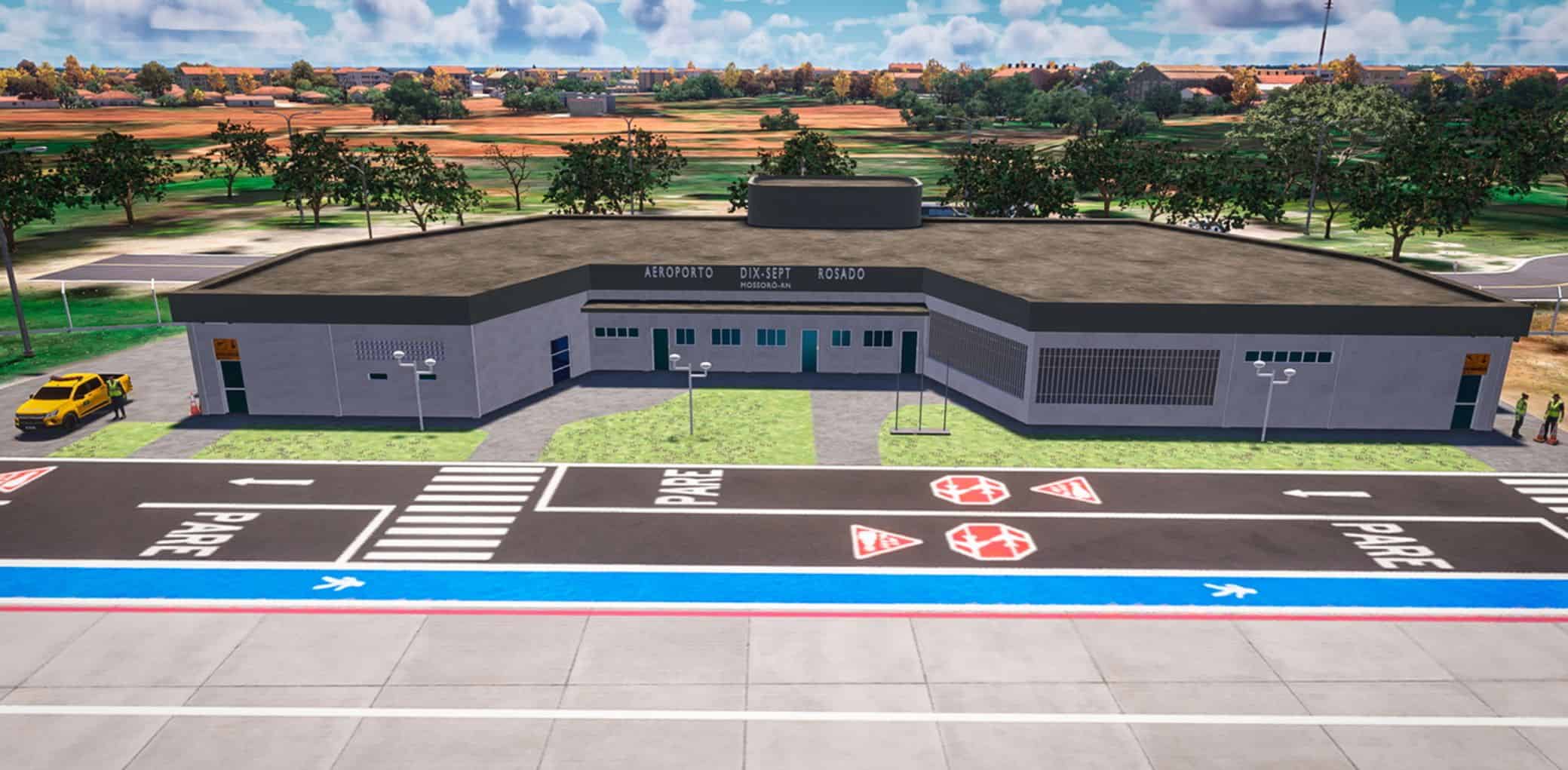
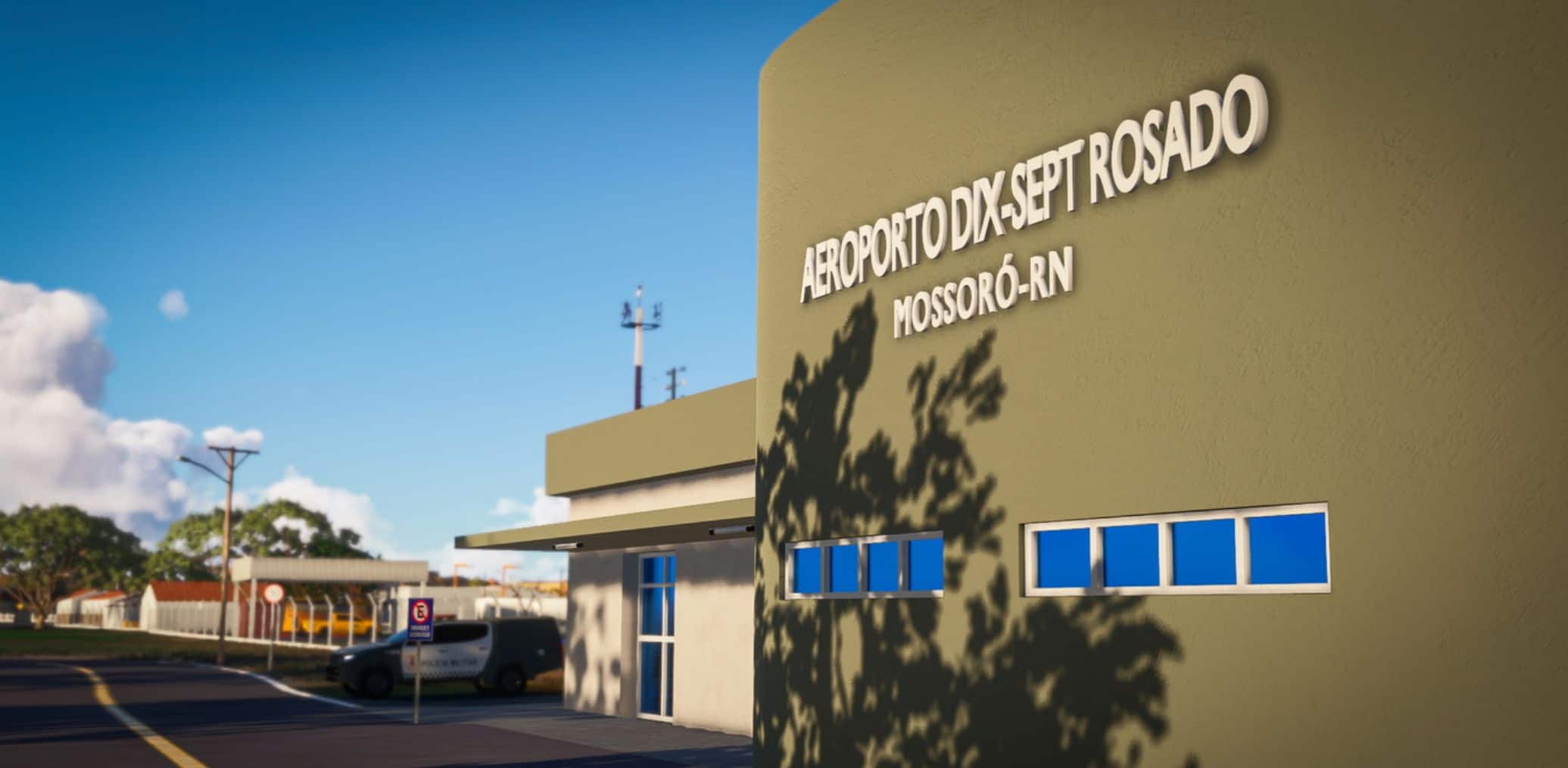
SBMS – Mossoró Airport – Rio Grande do Norte, Brazil v1.0
Description:
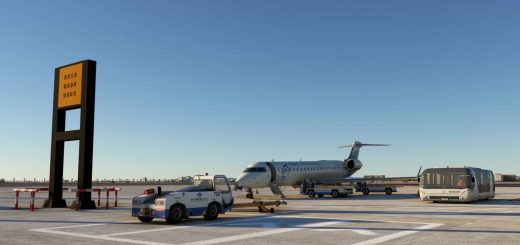
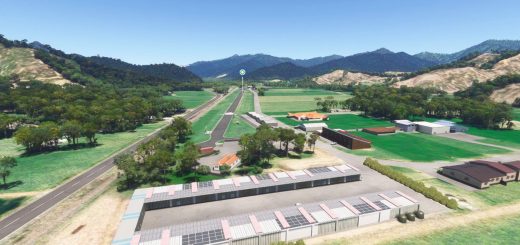
Located in Mossoró, Rio Grande do Norte, this regional airport is an important hub for general aviation and commercial operations in the western part of the state. Perfect for short domestic routes, training flights, and exploring the semi-arid landscapes of the Potiguar hinterland.
Important Note:
Due to lack of updated documentation, the taxiways on apron 1 are not fully current. They were designed from older imagery and may be updated in future releases.
Features:
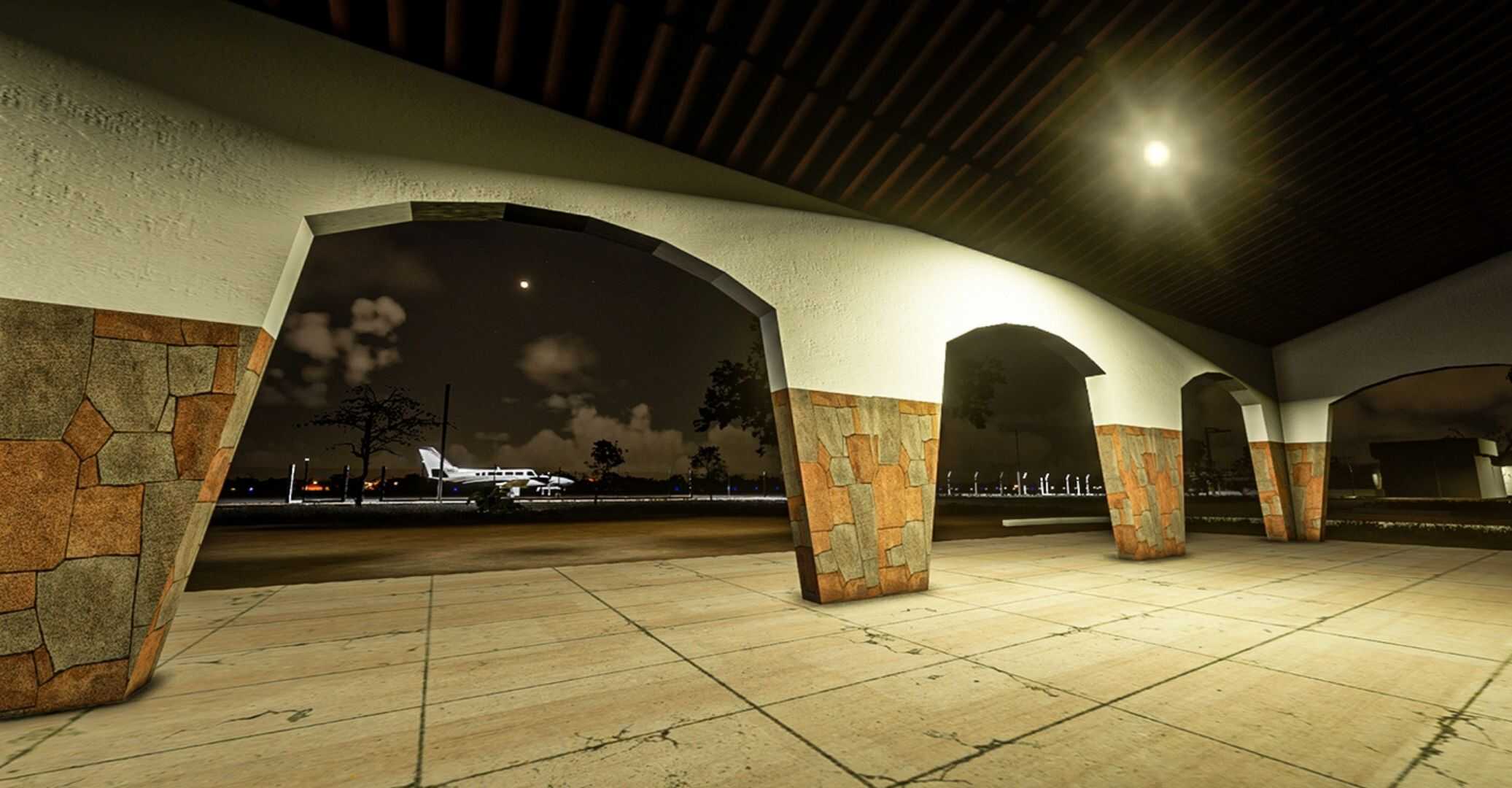
– Custom 3D buildings and layout
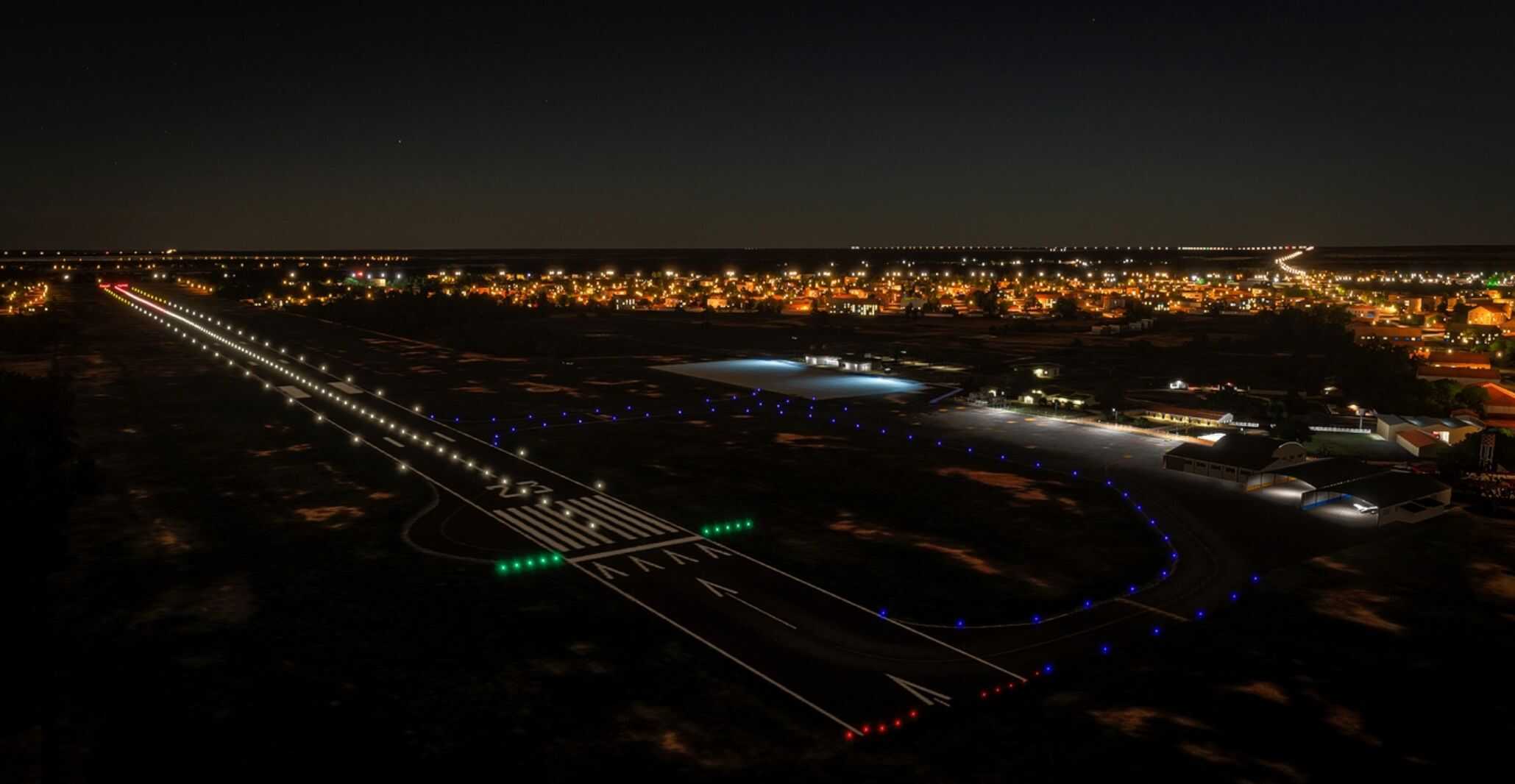
– Realistic textures and lighting
– Accurate runway and apron configuration
– No third-party dependencies
Installation:
1. Extract the ZIP file.
2. Move the folder named “znscenery-airport-sbms-mossoro” into your MSFS Community folder.
Example path:
C:Users[YourUsername]AppDataLocalPackagesMicrosoft.FlightSimulator_8wekyb3d8bbweLocalCachePackagesCommunity
Notes:
– Compatible with MSFS2024.
– Built entirely from original assets.
– No copyrighted or converted content included.