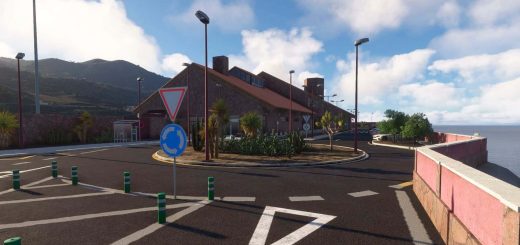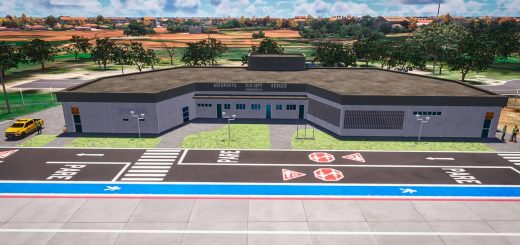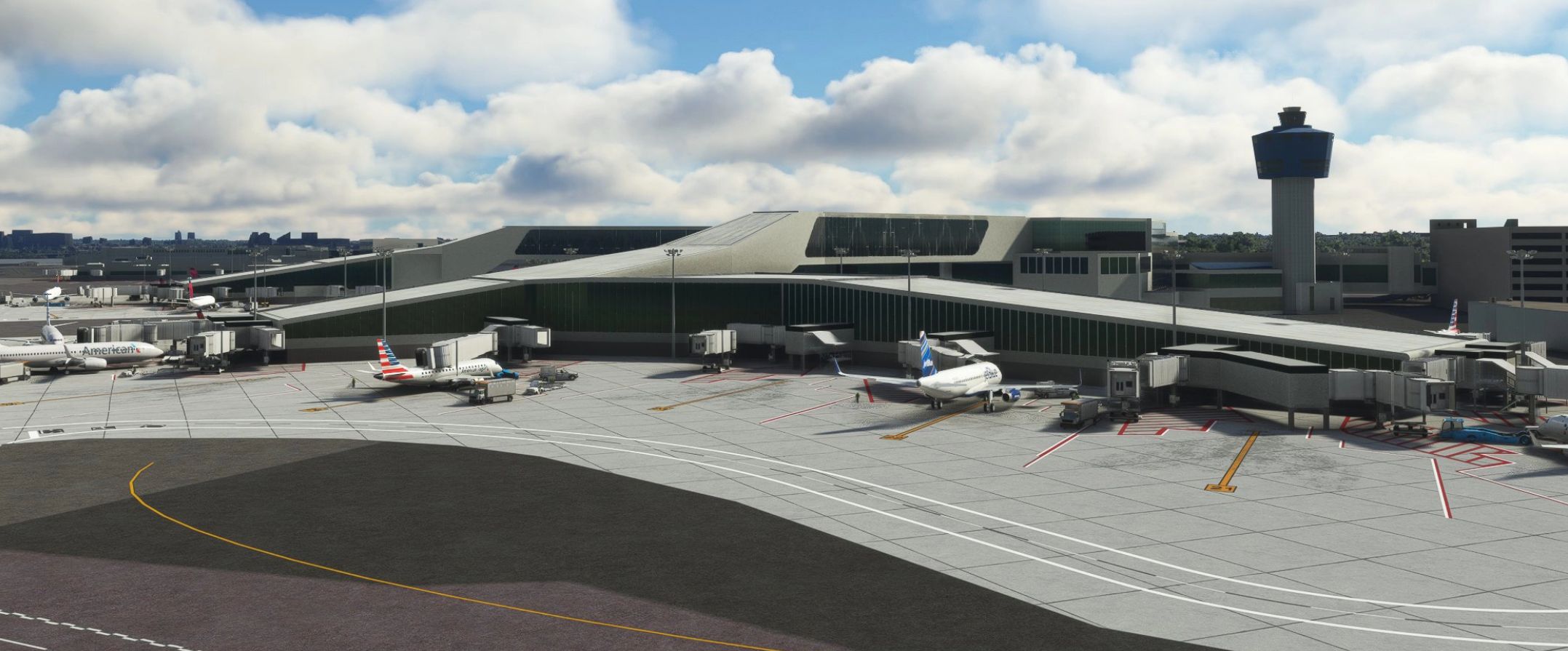
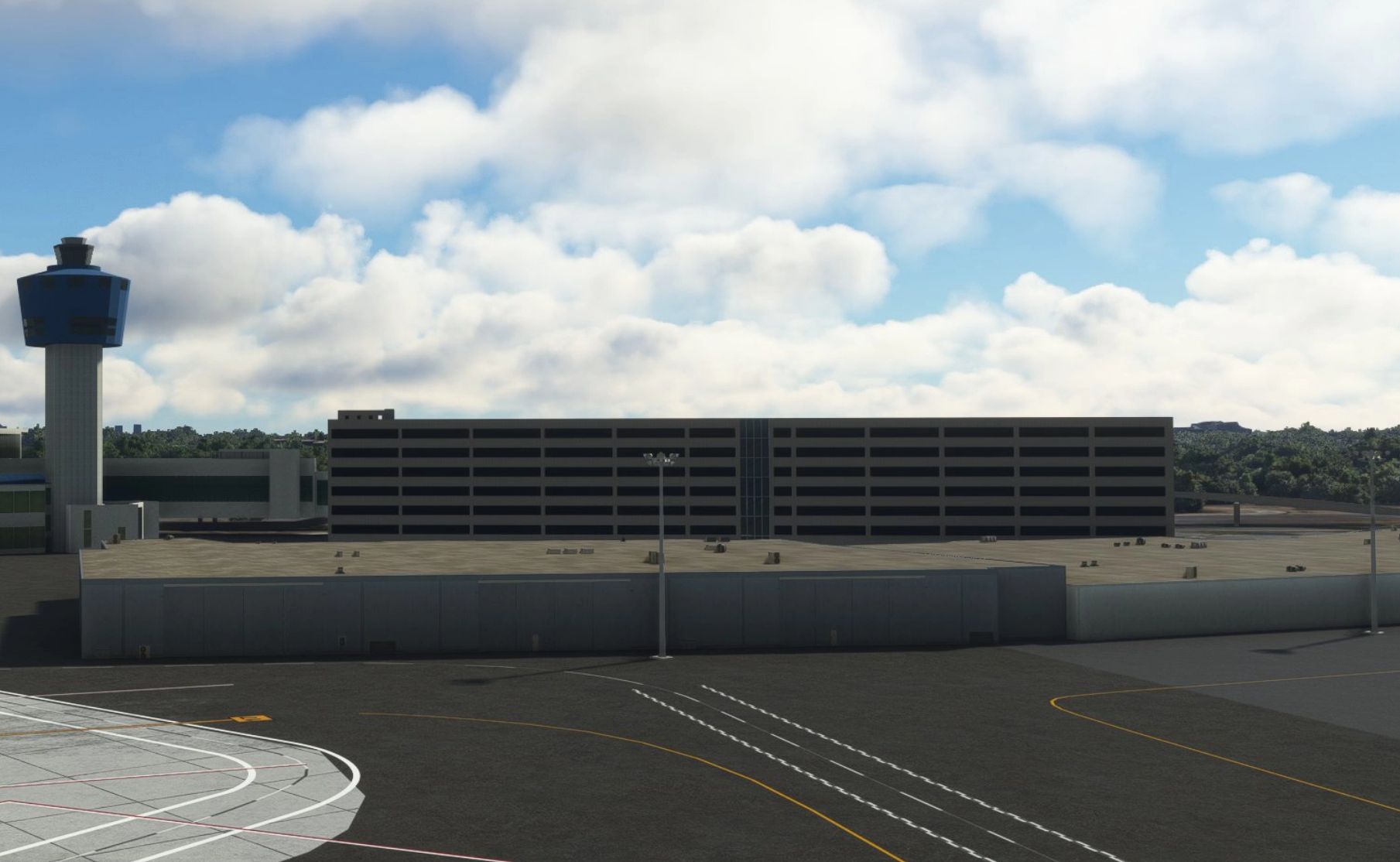
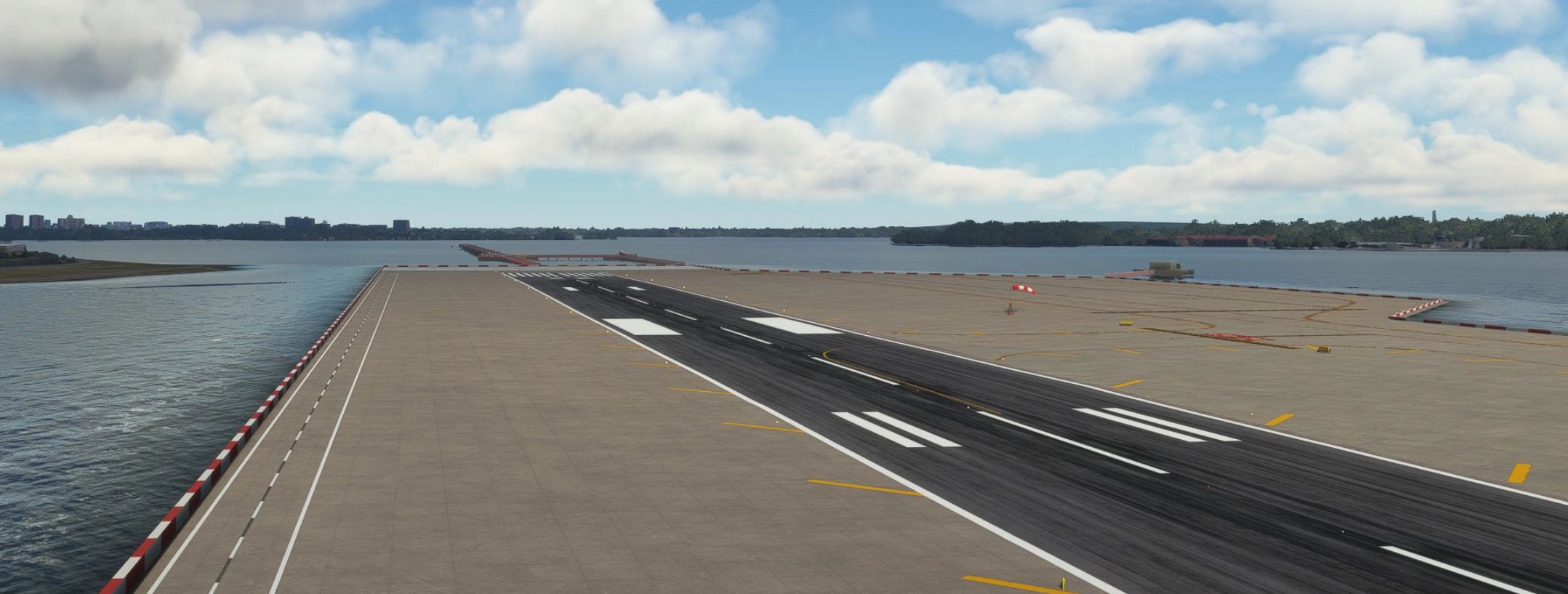
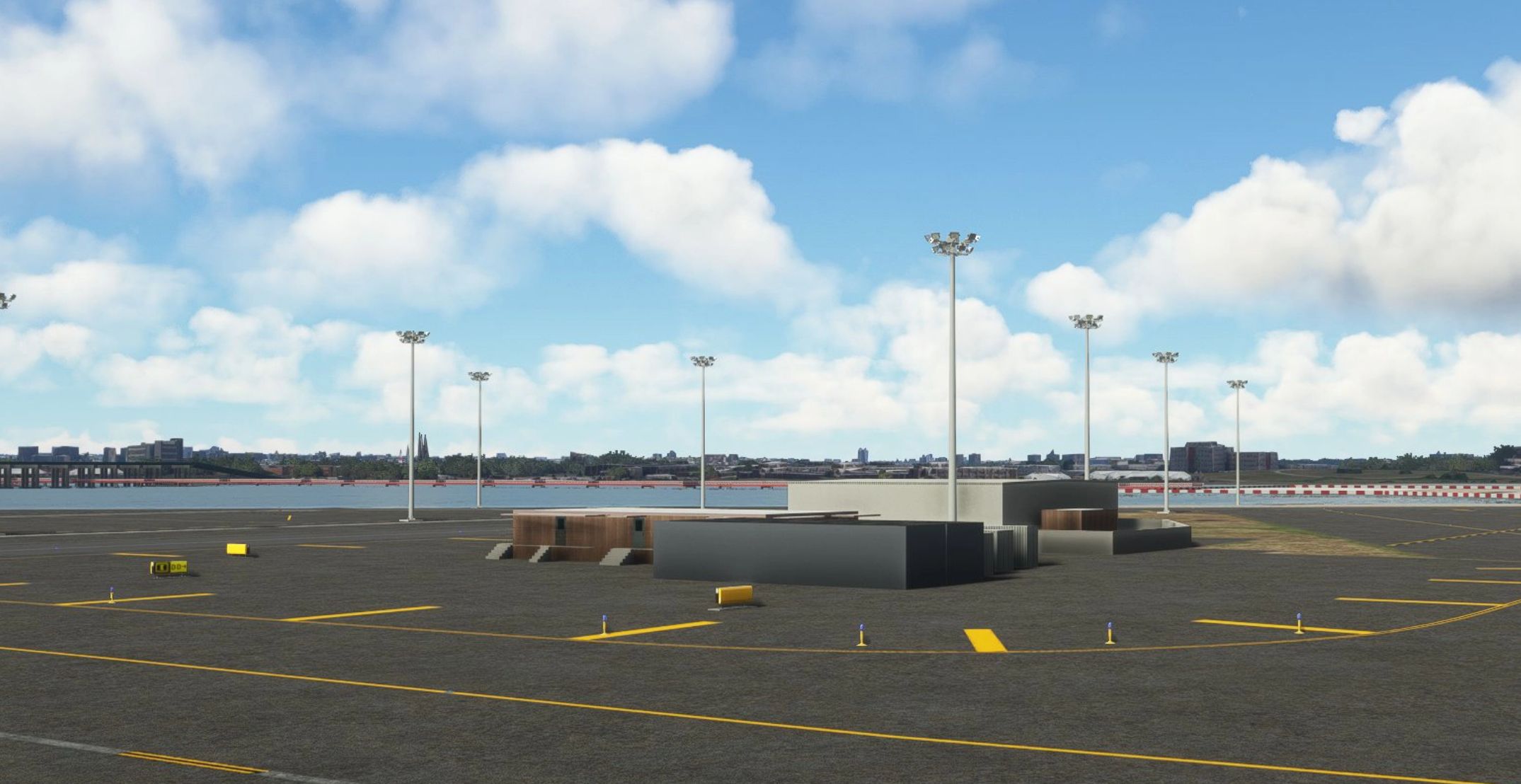
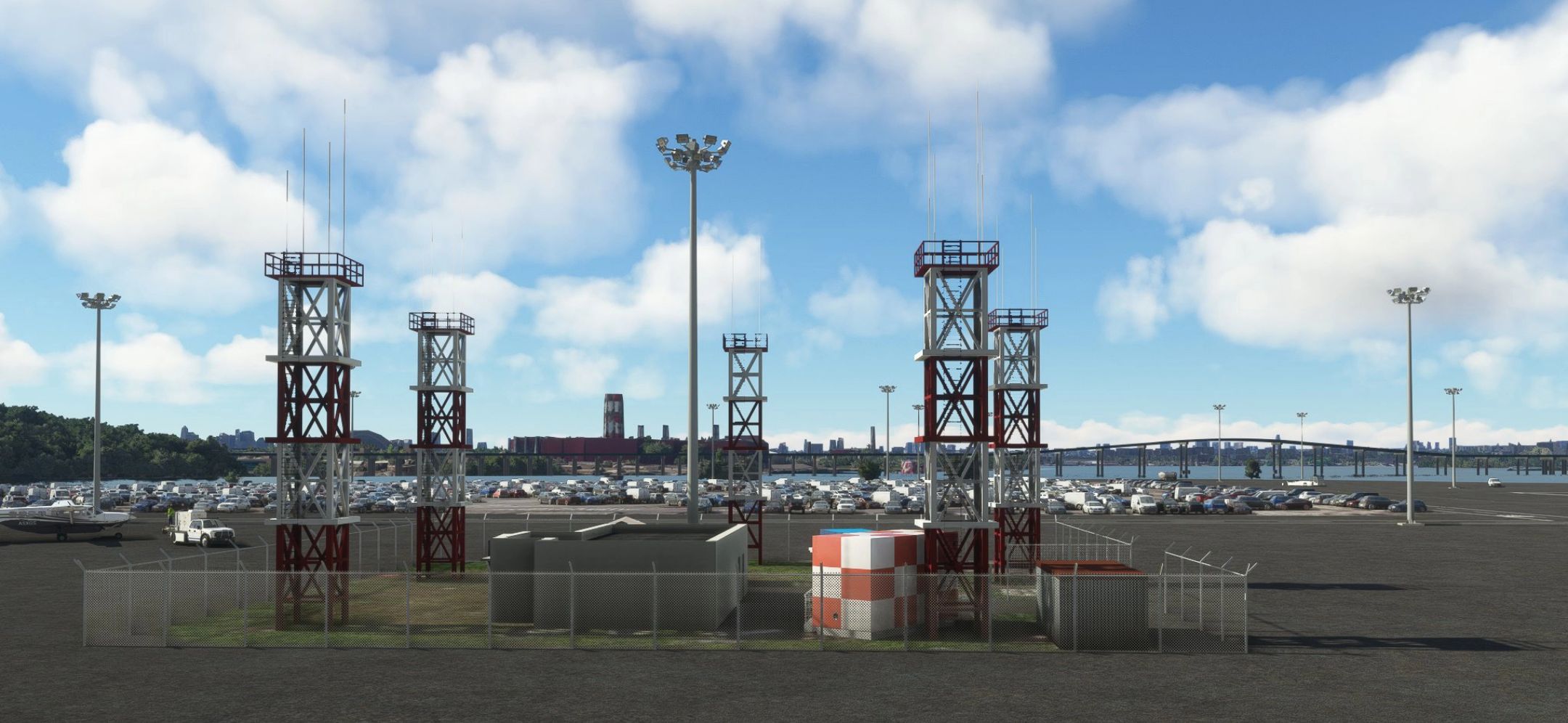
KLGA – LaGuardia Full Airport v1.0.61
This is the full airport. All of the changes made in the updated_taxiway_network are included. All buildings done except the those in place of the old American Airlines hangars.
This scenery is not an exact replica, but IMO, better than the default and far from being perfect.
Known issues:
– The jetway bug. Sometimes jetways are separated into several parts. I researched this on the web and discovered that
other users and scenery packages are having the same problem. This has been reported to Asobo, but don’t expect a fix
anytime soon.
klga-laguardia v1.0.32
– Removed parked cars that was half inside buildings
– Added a few aprons
– Added more pole lights in front of terminal-B
– Added polygons to remove protruding objects in the water near the 22 end tressel
– Corrected LOD’s on some models
– Welcome To NY redone with better angle
– Added doors at Stairs terminal-b
– Taxiway revised to prevent AI from using rwy 31 to taxi. There are still problems when rwy 22
is in use.
klga-laguardia v1.0.33
– Added American Airlines Hangars.
klga-laguardia v1.0.34
– The incorrect file was uploaded for v1.0.33. Here is the correct file.
Update 10/22/22
– I’m looking into a way to fix the double Rikers Island bridge when using RKBRIDGER addon. I am looking into the exclusion rectangle, and will post an update as soon as I find a fix. Also will try to add gate assignments using ADE. For those haing problems unzipping the file, Email me and I can send you a link to get it from my Google drive.
klga-laguardia v1.0.35
– Double Rikers Islaned Bridge when using the RKBRIDGER addon. I tried the exclusion rectangle and it didn’t work. I think it will only exclude default scenery objects. Unable to exclude objects from other addons.
– I am including two BGL files with this release – one with the Rikers Island Bridge (the default) and one without.
– Both files are located here –> klga-laguardia/scenery/klga-laguardia/klga-modelLib.BGL and klga-modelLib.no-RIB
– If you want the scenery without the bridge – rename klga-modelLib.BGL to klga-modelLib.RIB and klga-modelLib.no-RIB to klga-modelLib.BGL.
– Issues with RKBRIDGER addon are the bridge is too low and the jetty from my scenery goes thru it.
– Removed spikes in water near approach end of runway 31
ALL parking except the ramps includes Airline Parking Codes as follows:
Terminal A
JBU,NKS
Terminal B
JBU,AAL,ACA,SWA,UAL,EGF,ENF,SKW,ENY,RPA
Terminal C
DAL,FFT,NKS,WJA,EDV,ASQ
Terminal D
DAL,FFT,NKS,WJA,EDV,ASQ
The parking codes are somewhat working. Some planes are using ramp parking, and parking anywhere. Maybe missing atc_parking_codes or atc_parking_types line from aircraft.cfg. I may have missed a regional airline code. I also have AIG installed.
Parking problems resovled by removing AIG.
klga-laguardia v1.0.36
– Fixed atc_parking_codes to work with AIG installed. Their fix for regional airlines code is to use DALX for Delta, AALX for American and UALX for United. This is easier than trying to keep up with the codes every time the carriers change.
NO MORE UPDATES TODAY