Ruucoro-RJBB-CleanBridge v1.0

MSFS 2024 Mods |
Ruucoro-RJBB-CleanBridge v1.0

Ruucoro-RJBB-CleanBridge v1.0

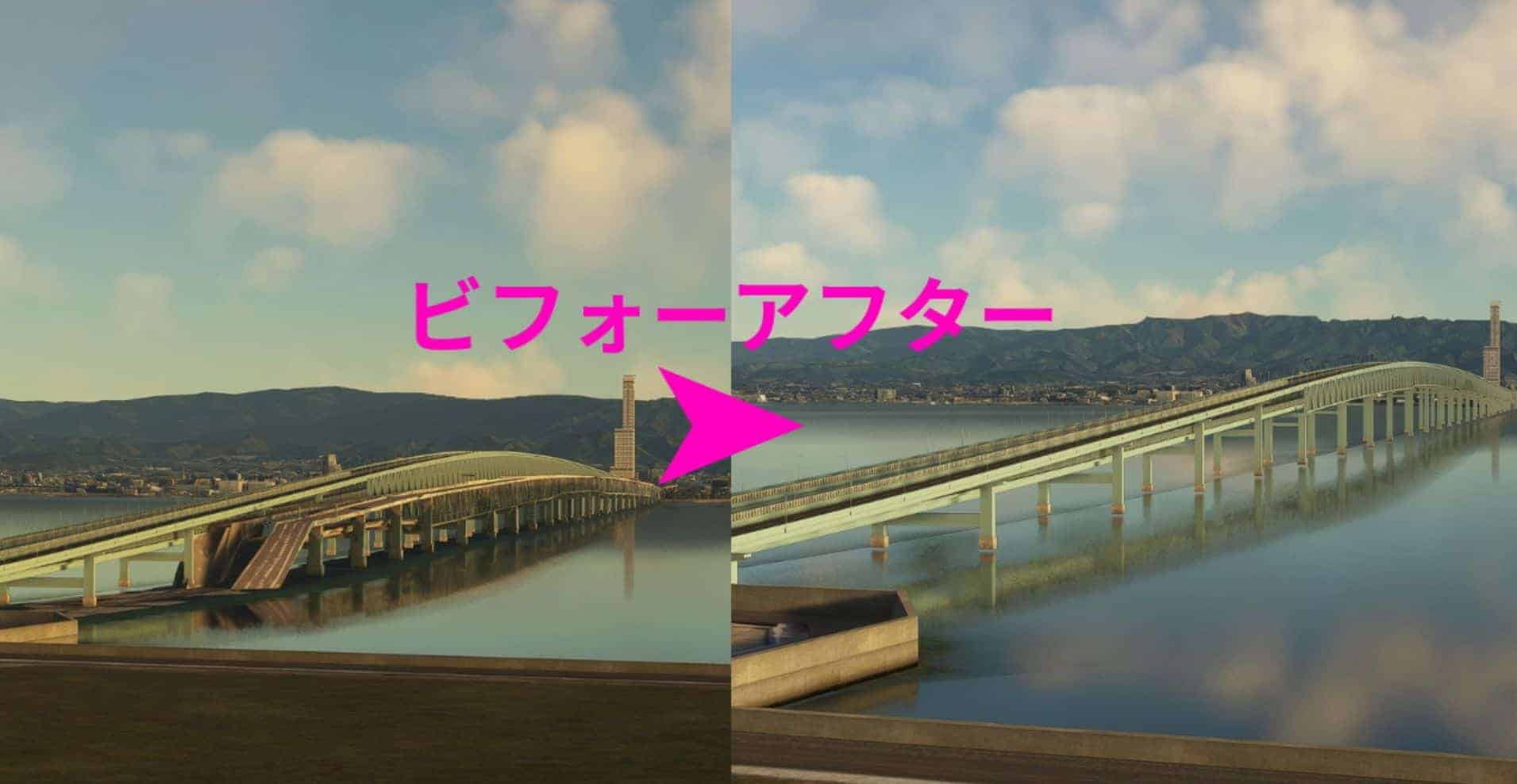
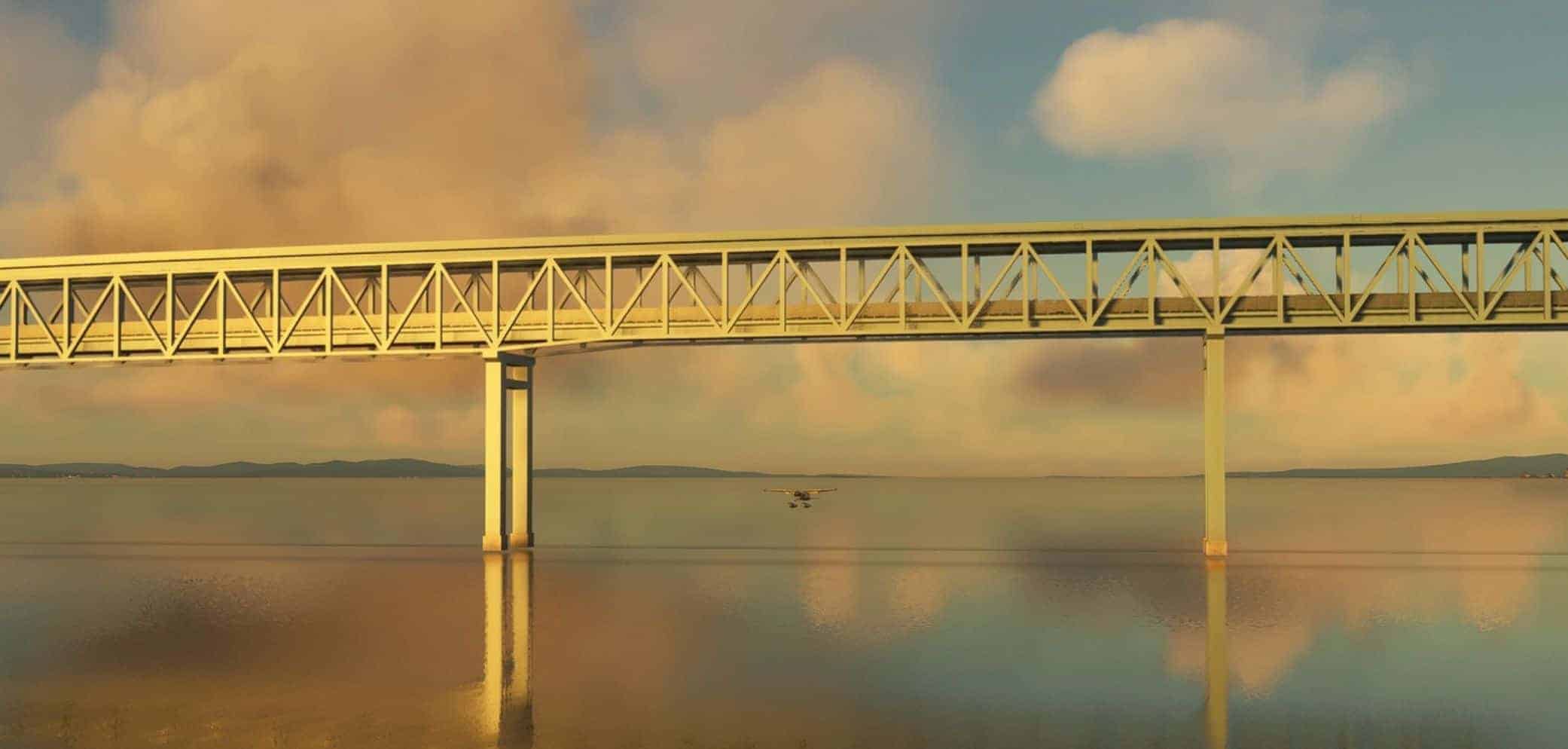
This is to remove the bridge to Kansai International Airport that appears in SU20.

Installing this will remove the bridge and replace the ground below it with the ocean.

If you own Technobrain’s RJBB paid scenery, installing this will make you happy as the overlapping bridges will disappear neatly.

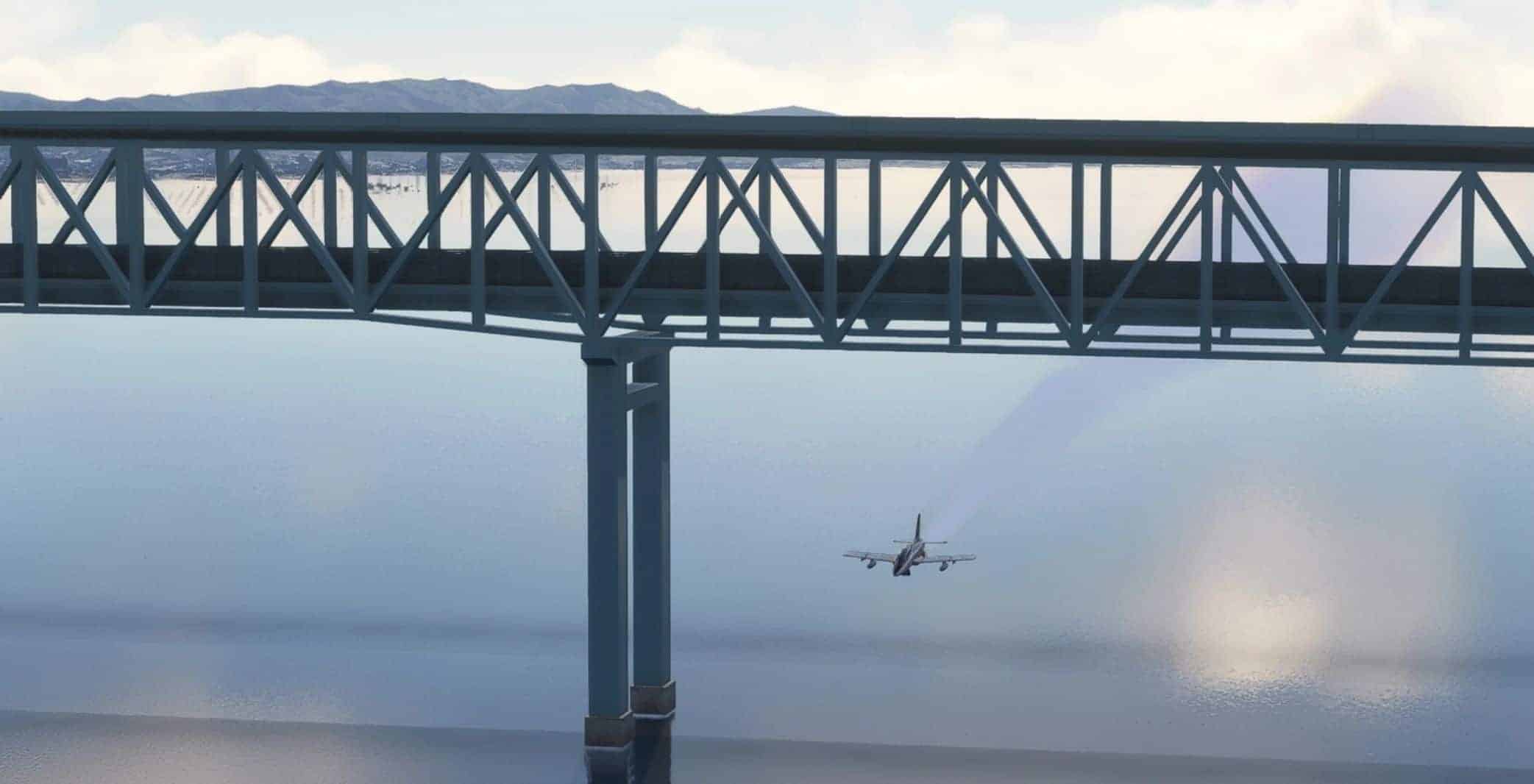
RJBB’s paid scenery, technobrain-RJBB-scenery has an issue where the bridge overlaps with the default bridge, ruining the view. However, by installing the scenery I created, the default bridge will disappear and only the bridge from the paid scenery will remain.

(The collision detection for the default bridge will also disappear.)

Note:
While I have only tested this with MSFS2020, it may also work with MSFS2024.


Author: ruucoro
This content was uploaded by website visitors. If you notice any mistake, please let us know.

Are you in search of MSFS2024 Scenery Mods all in one place? You've come to the right spot. We offer access to a vast collection of mods tailored to meet various needs. Each MSFS2024 Scenery Addon comes with its own unique specifications and features, making it easy to find exactly what your game is missing. Once you've made your choice, simply click the Ruucoro-RJBB-CleanBridge v1.0 Mod download button and follow the easy steps. It's as straightforward as it gets!


Useful Information: How to install MSFS 2024 Mods | MSFS 2024 Price / Release | MSFS 2024 News

You may also like...

Leave a Reply

Your email address will not be published. Required fields are marked *