SBCY – Cuiabá International Airport v1.0
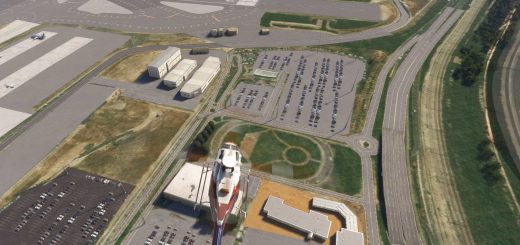
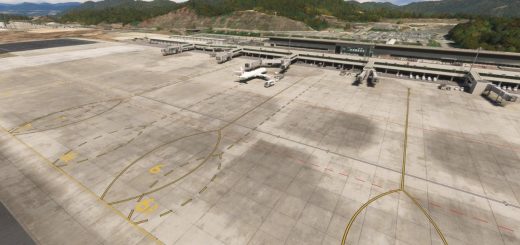
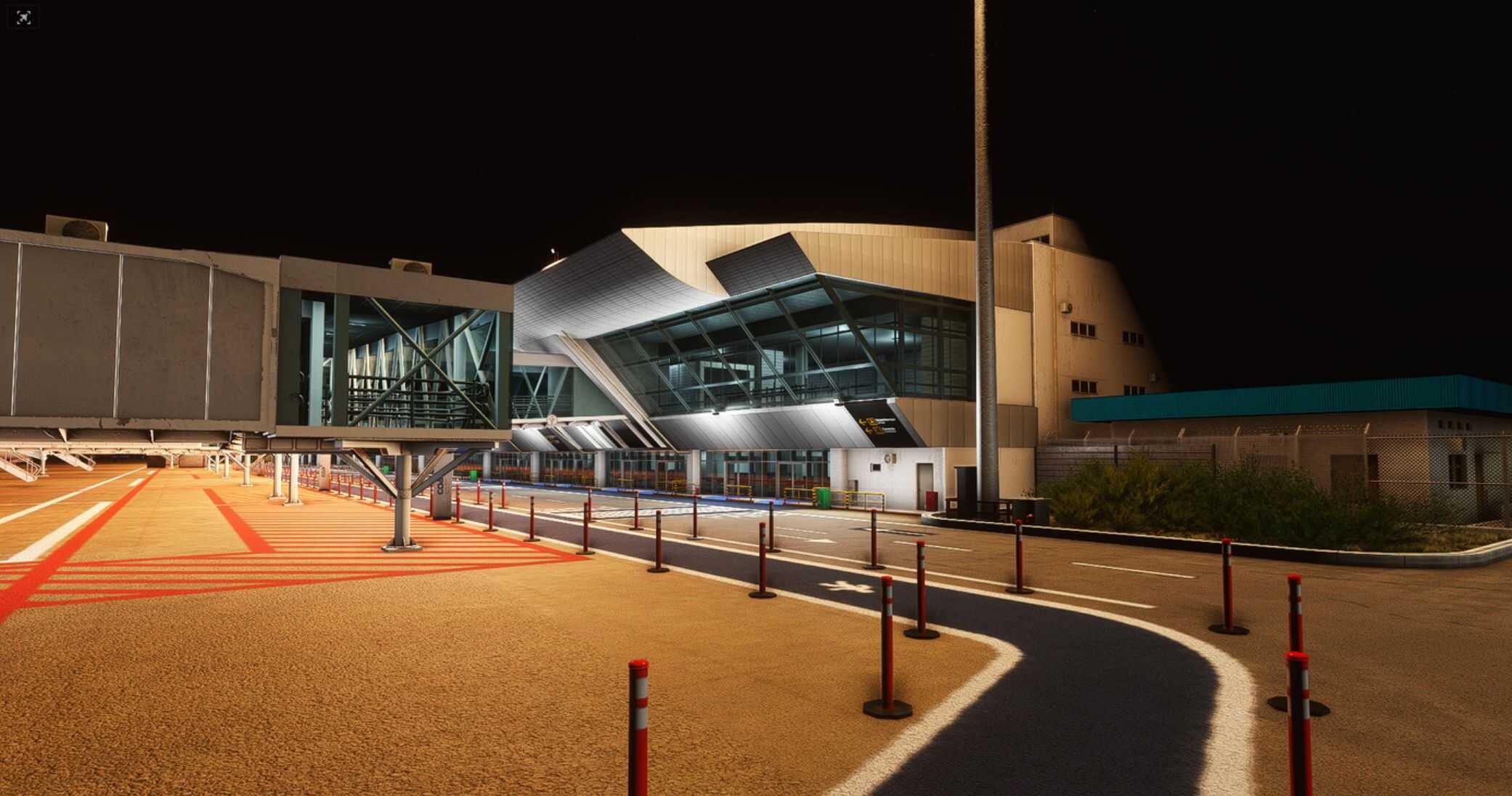
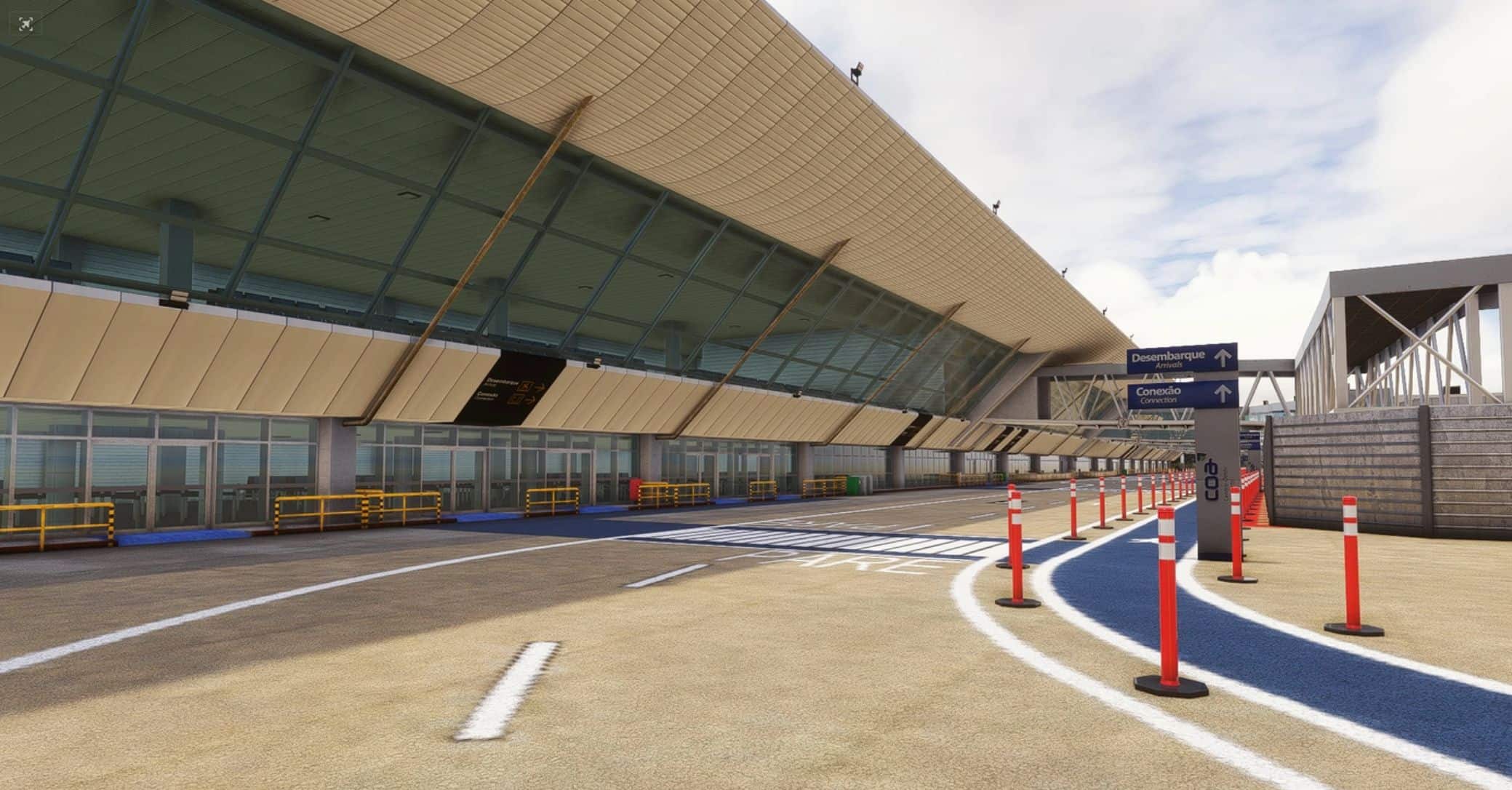
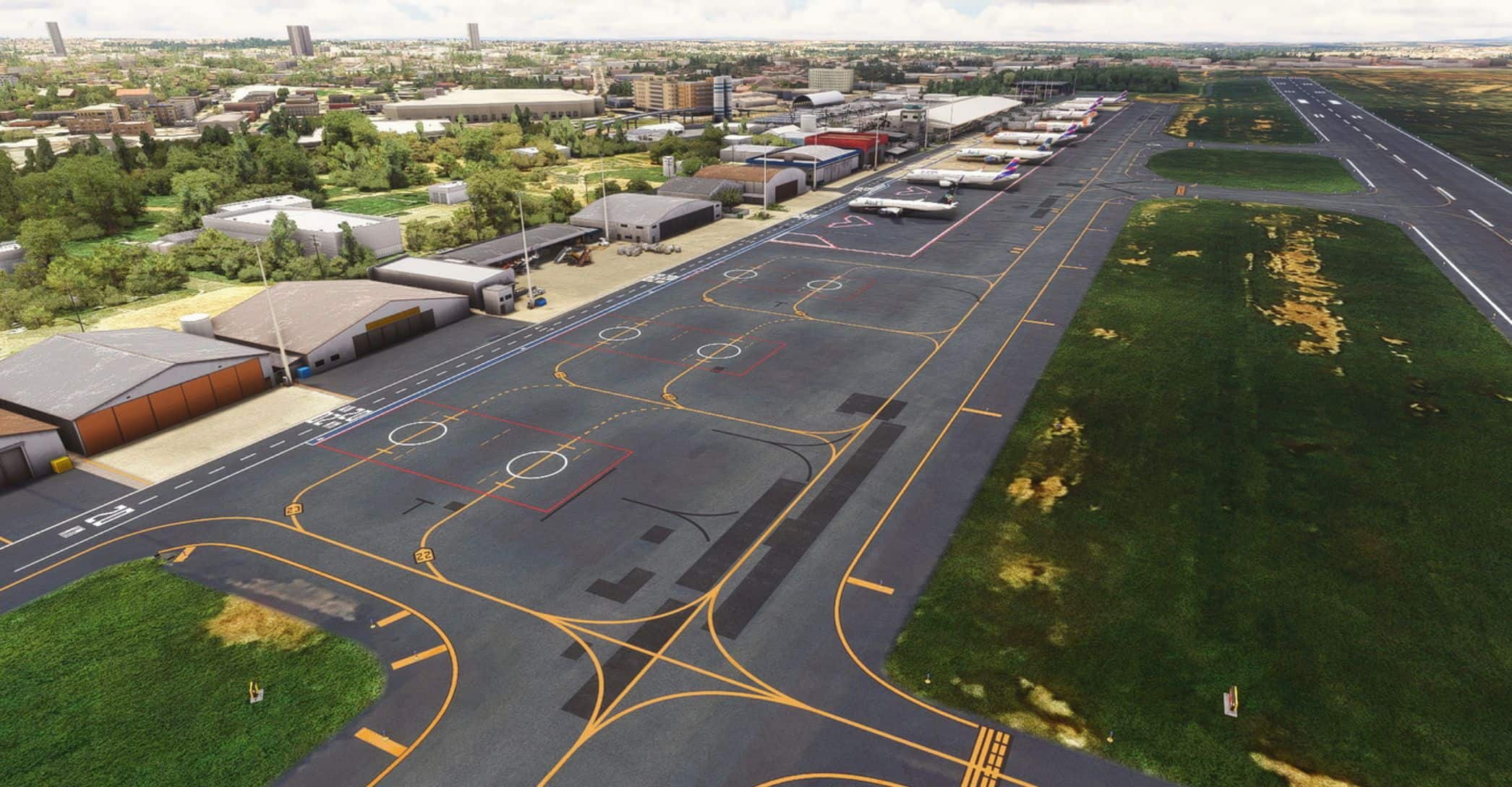
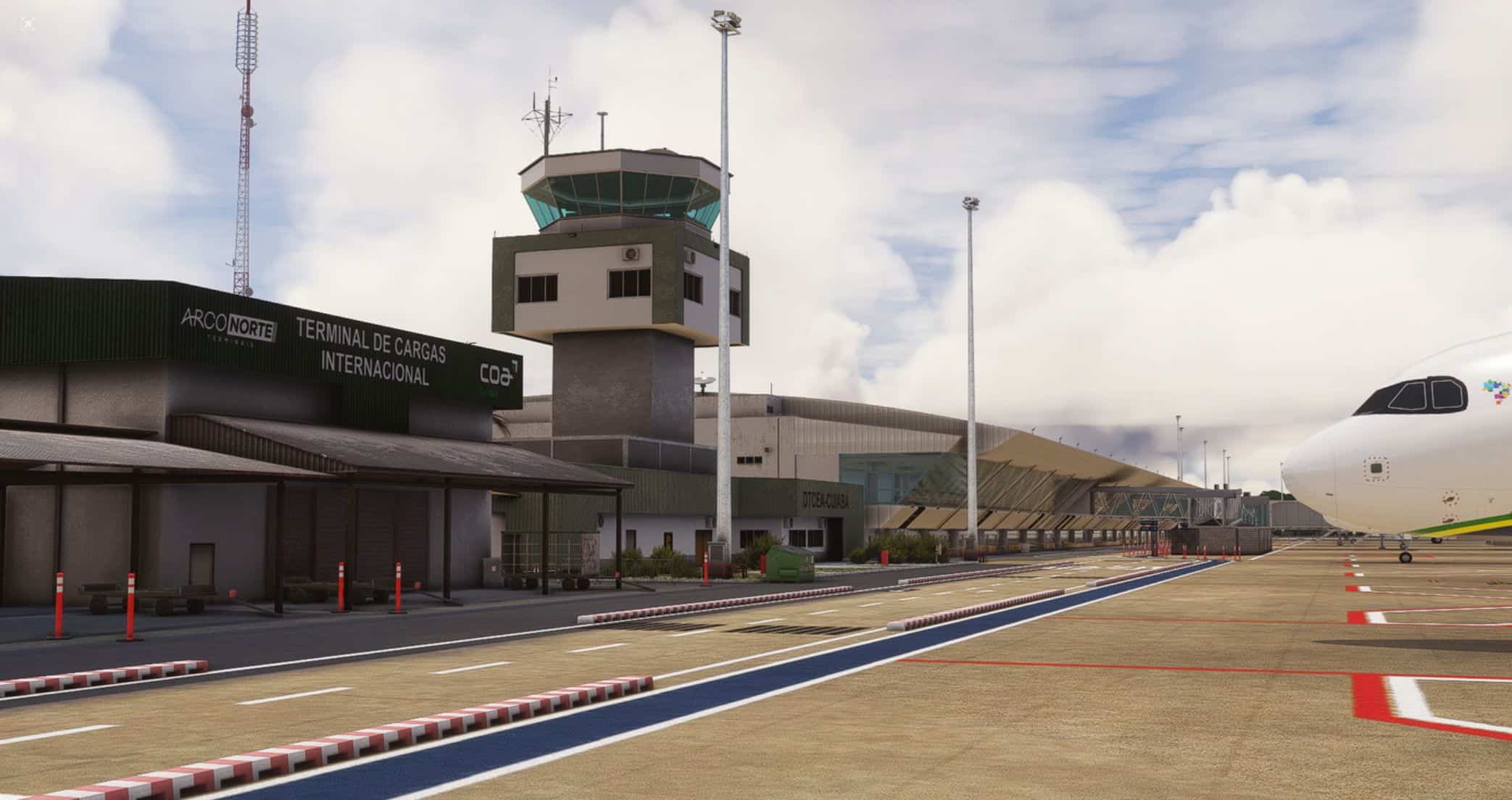
Cuiabá International Airport – Marechal Rondon (SBCY) is an international airport located in the municipality of Várzea Grande, in Mato Grosso, eight kilometers from the center of Cuiabá. It is the main airport in the state and the third busiest in the Central-West region of Brazil.
Cuiabá International Airport receives flights from the following airlines:
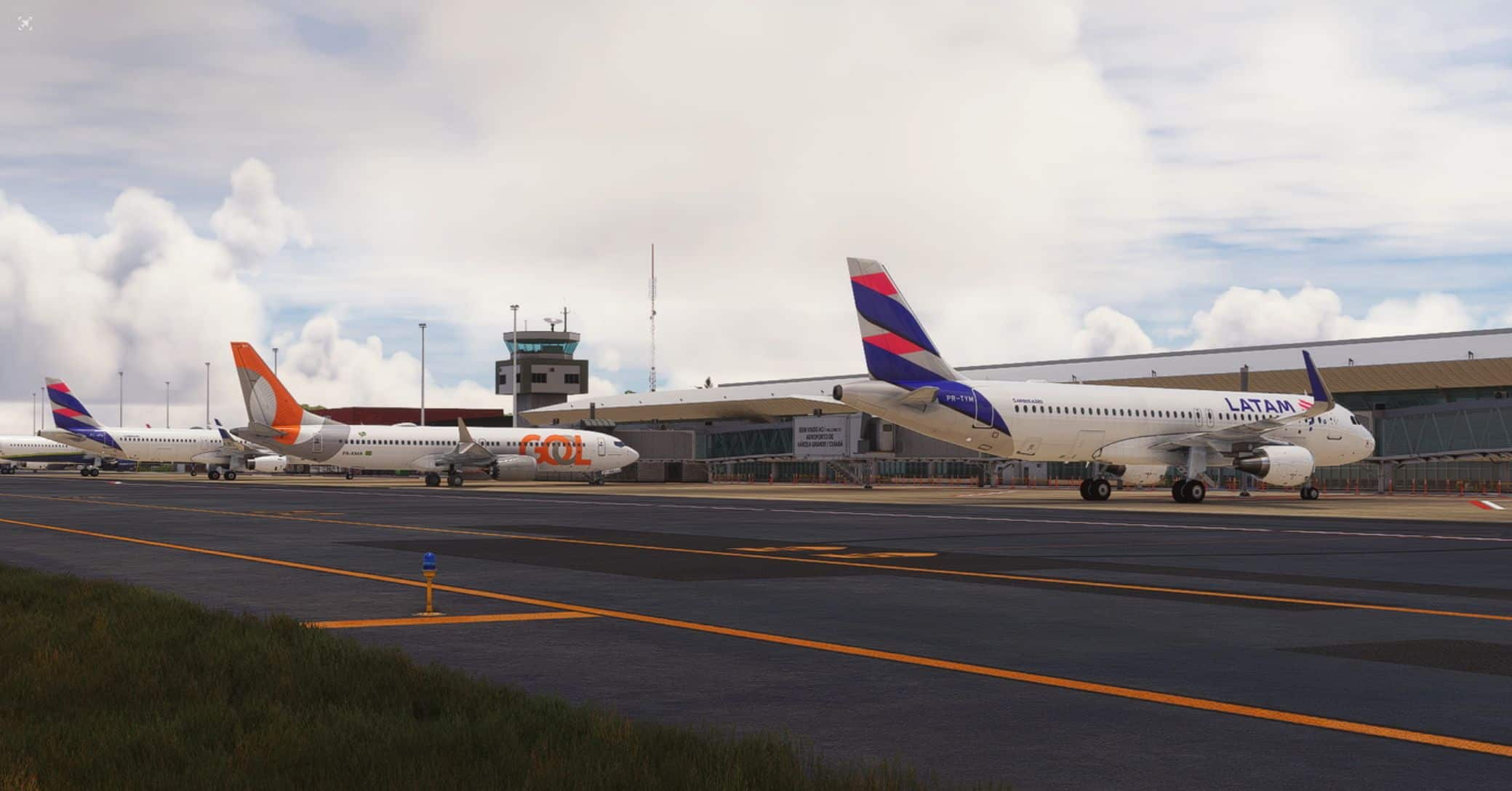
– Azul (A320NEO/E195/E195-E2/ATR72-600/C208)
– Gol (B737-700/B737-800/B737-800BCF/B737-8 MAX)
– Latam (A319CEO/A320CEO/A321CEO/A320NEO/A321NEO)
IMPORTANT
– This airport was created from scratch by me (Bruno Reichert) for MSFS 2020, but it is compatible with MSFS 2024.
– Your MSFS must be up-to-date and have all update content installed/activated.
– World Update Brazil and World Update Japan must be installed/activated.
– If you have another SBCY scenery installed, uninstall it before installing this one to avoid conflicts.
– I’m still working on the animated jetways and I’m having some issues with them, so the custom jetways aren’t animated in this first version.
Features:
– Customized and detailed objects.
– 4K PBR textures.
– Customized lighting.
– Customized and detailed ground.
– Realistic ground markings.
– Corrected runway altitude and slope.
– Terraform similar to the real airport.
– Corrected taxi paths and parking spots.
Installation:
Extract the zip file to the community folder of your MSFS.