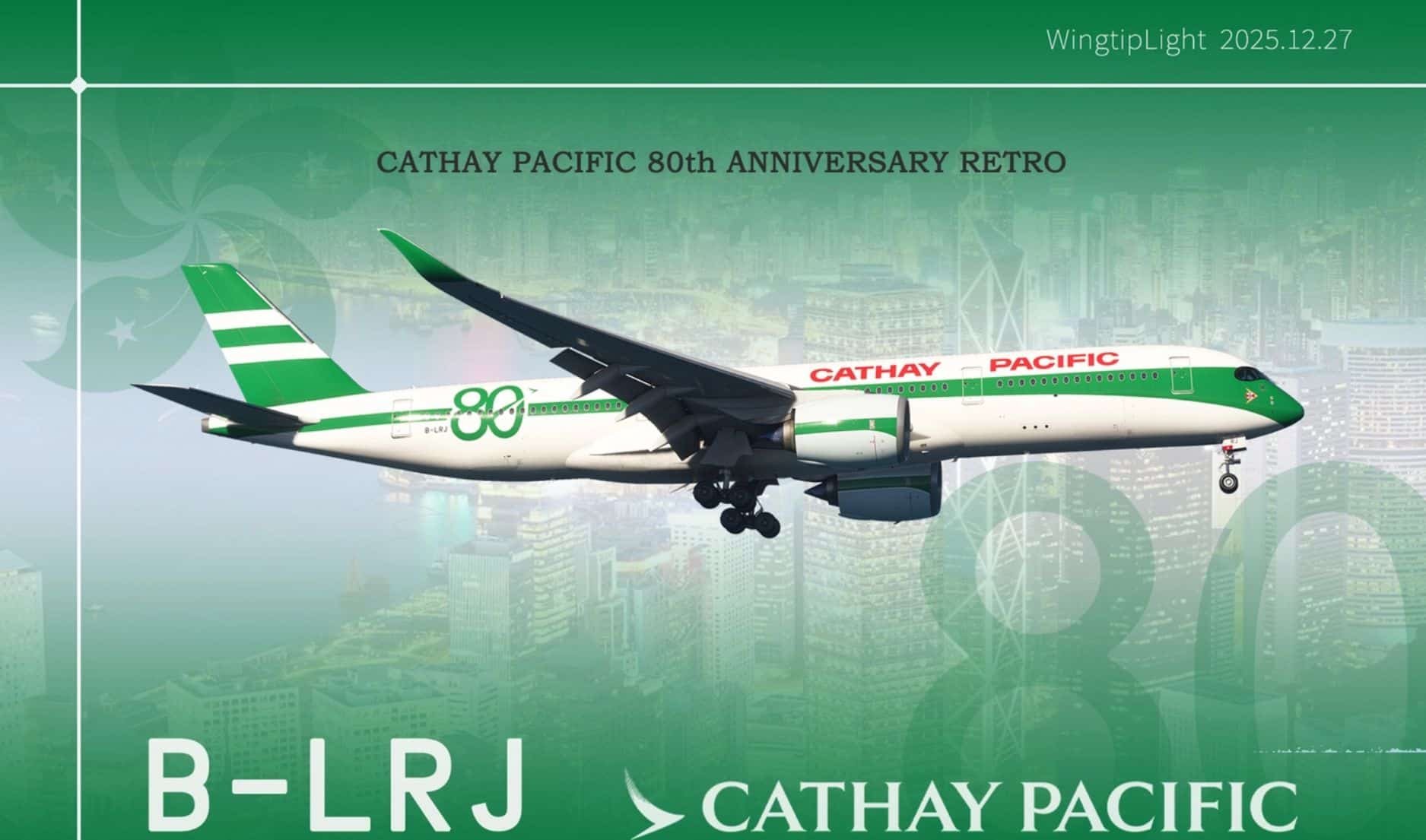
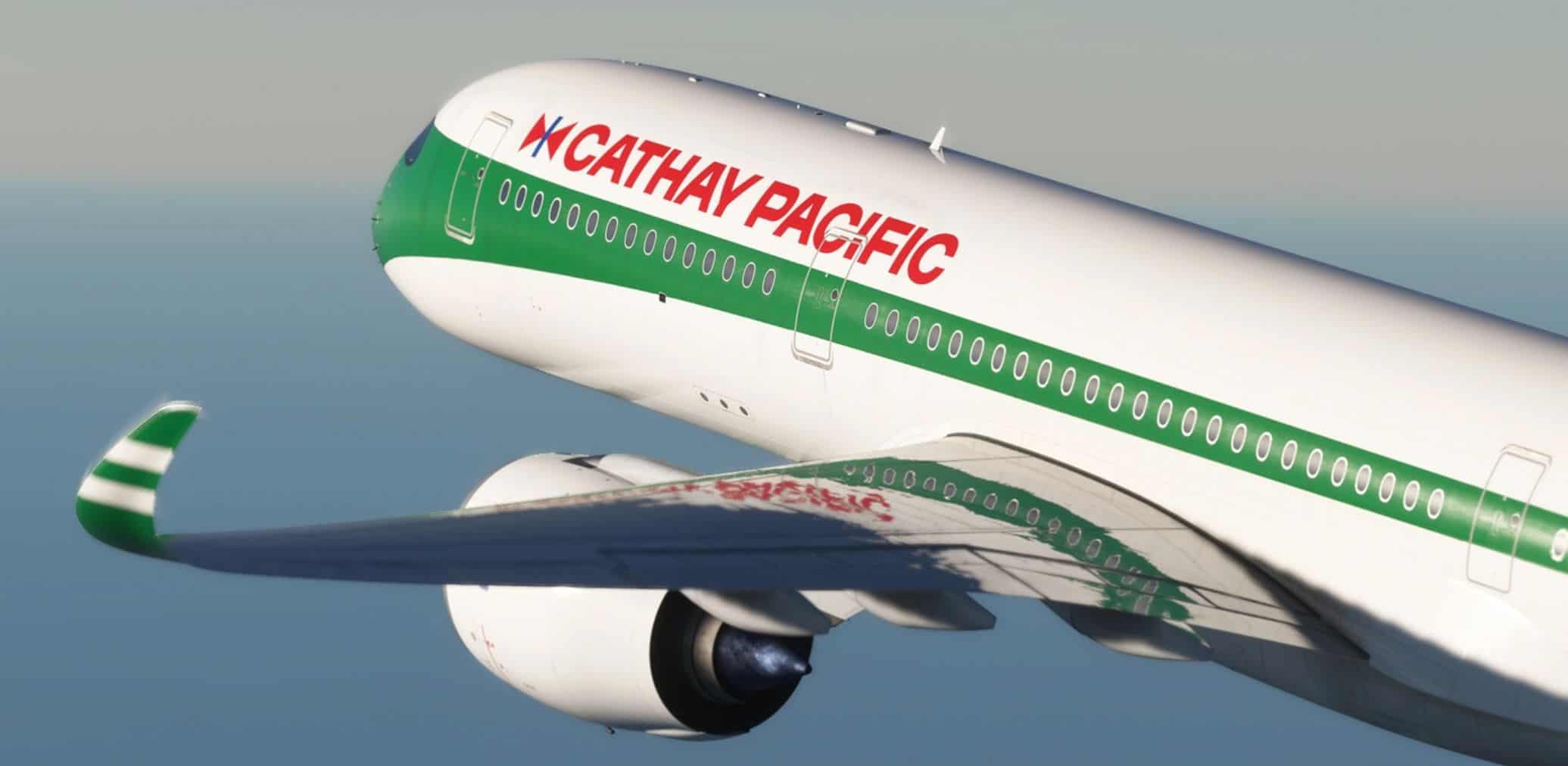
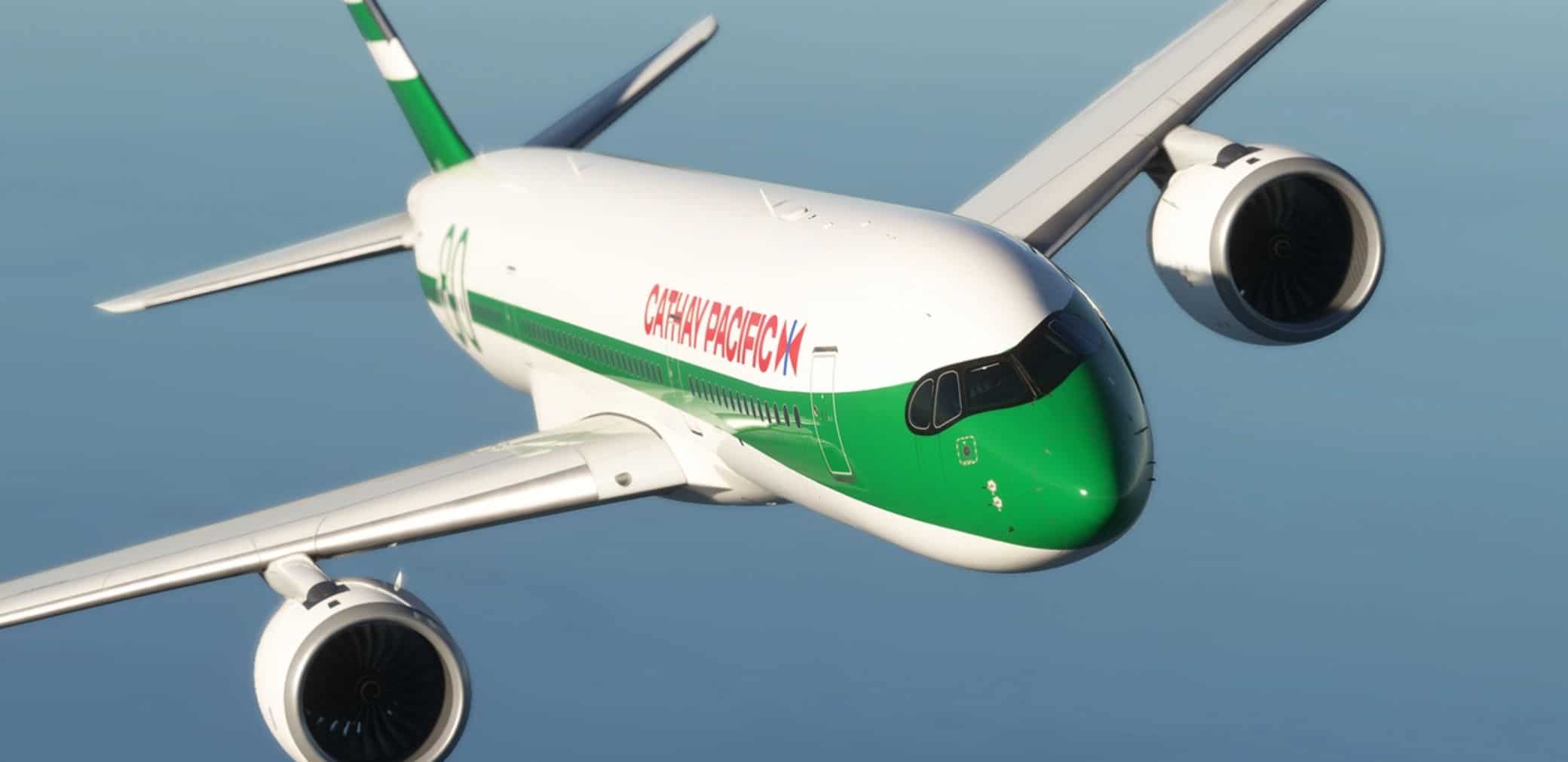
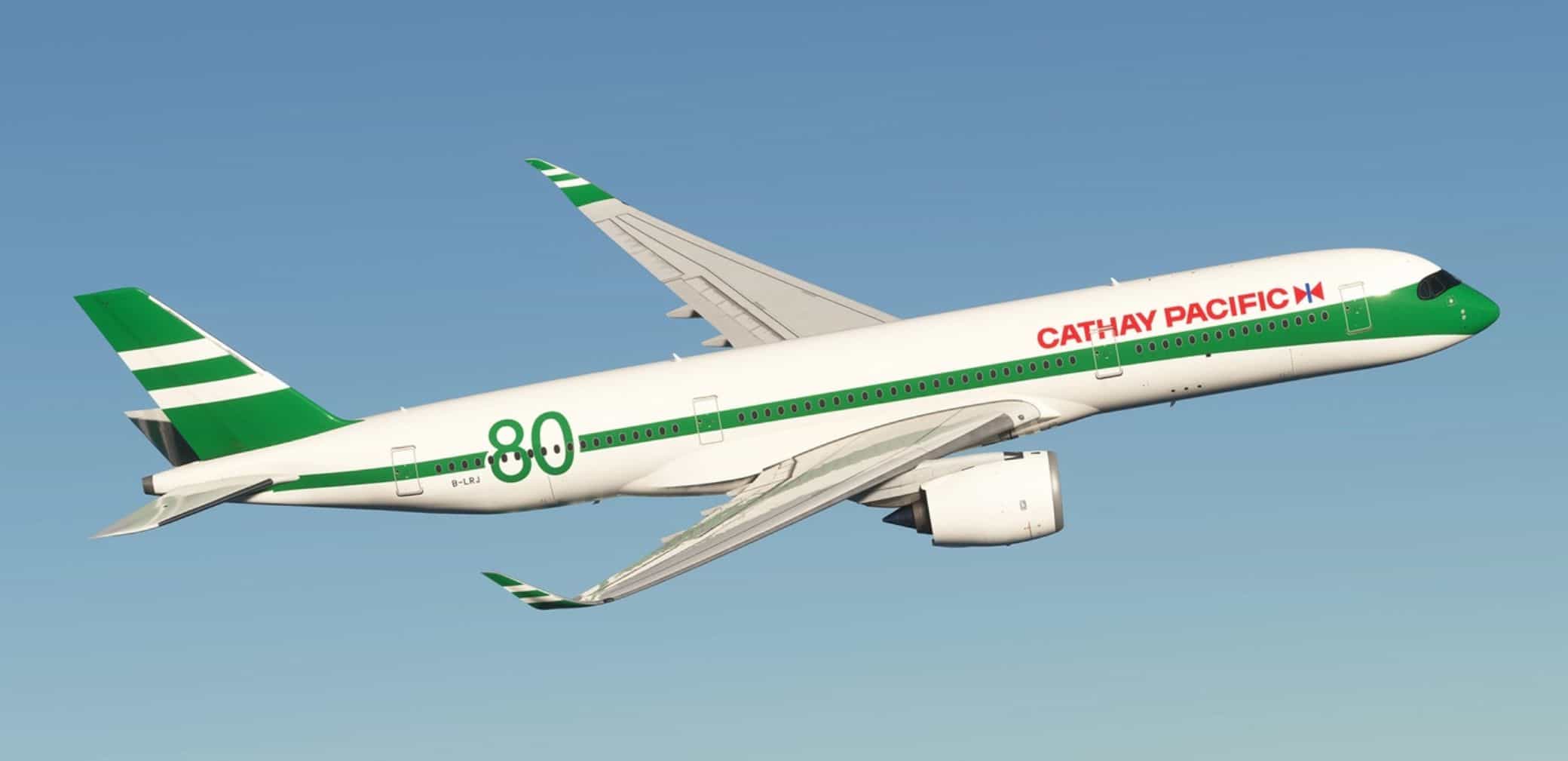
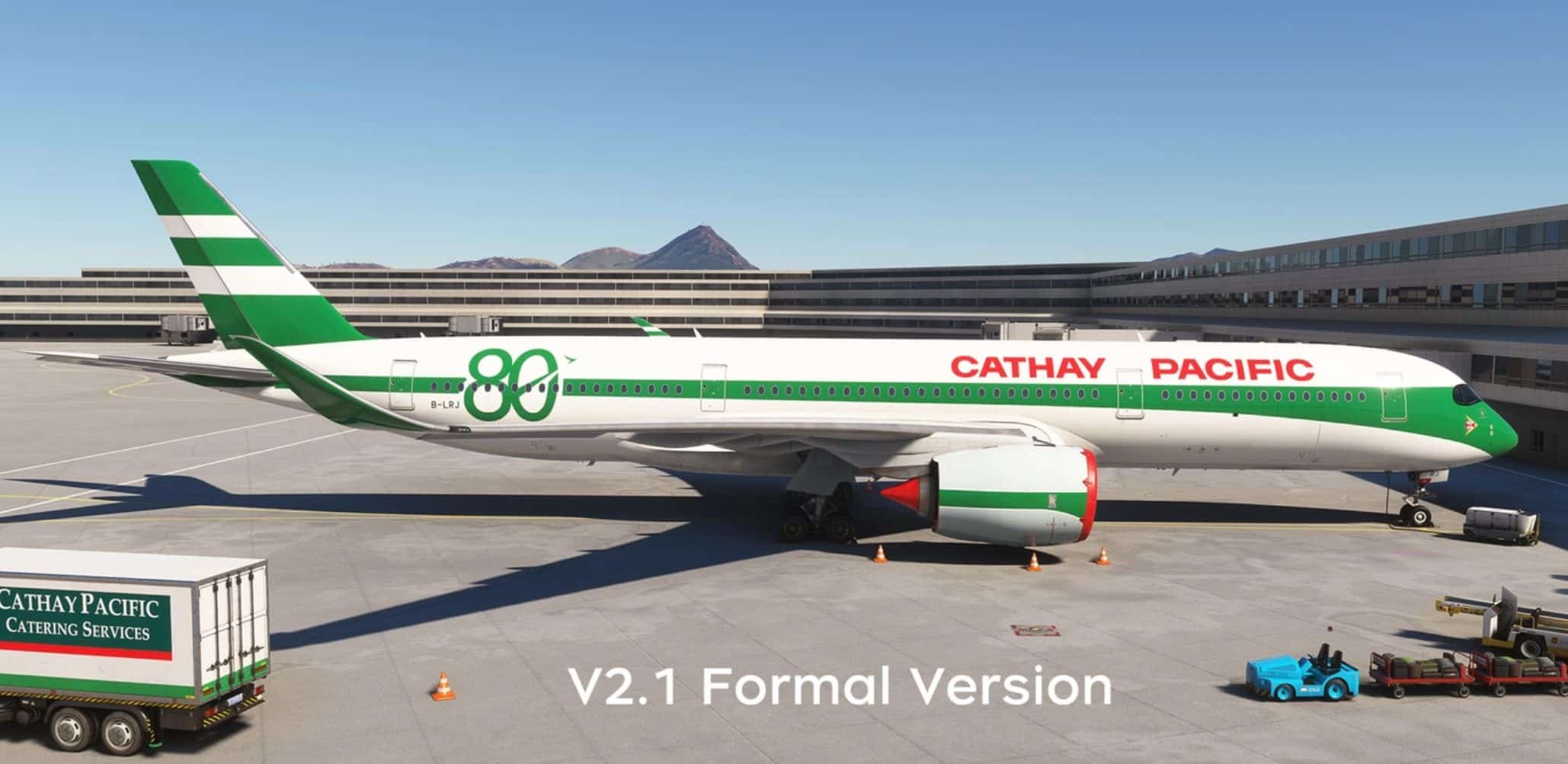
Cathay Pacific “80th Anniversary Retro” B-LRJ By WingtipLight v2.0

MSFS 2024 Mods |
Cathay Pacific “80th Anniversary Retro” B-LRJ By WingtipLight v2.0

Cathay Pacific “80th Anniversary Retro” B-LRJ By WingtipLight v2.0

Installation Method:
After decompression, place the files in the “Community” folder.

In addition:
The livery of MFS2024 may exist some errors, this is a bug caused by the livery conversion, so I can’t avoid it. I haven’t buy MFS2024, so 2024 livery’s update will lag behind the 2020 livery.

Update:
–Fix the green color overflow above the cockpit.
–Fix the tail wing texture, change the same thickness white lines to one thick and one thin.
–Fix the location of “CATHAY PACIFIC”.


Author: WingtipLight
This content was uploaded by website visitors. If you notice any mistake, please let us know.

Are you in search of MSFS2024 Liveries Mods all in one place? You've come to the right spot. We offer access to a vast collection of mods tailored to meet various needs. Each MSFS2024 Liveries Addon comes with its own unique specifications and features, making it easy to find exactly what your game is missing. Once you've made your choice, simply click the Cathay Pacific “80th Anniversary Retro” B-LRJ By WingtipLight v2.0 Mod download button and follow the easy steps. It's as straightforward as it gets!


Useful Information: How to install MSFS 2024 Mods | MSFS 2024 Price / Release | MSFS 2024 News

You may also like...

Leave a Reply

Your email address will not be published. Required fields are marked *