KTYS – McGhee-Tyson v1.0.26
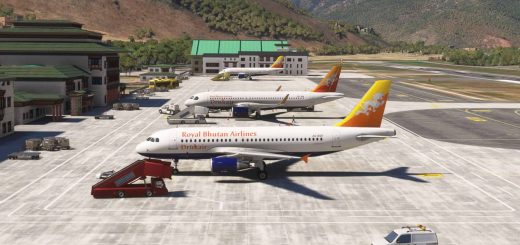
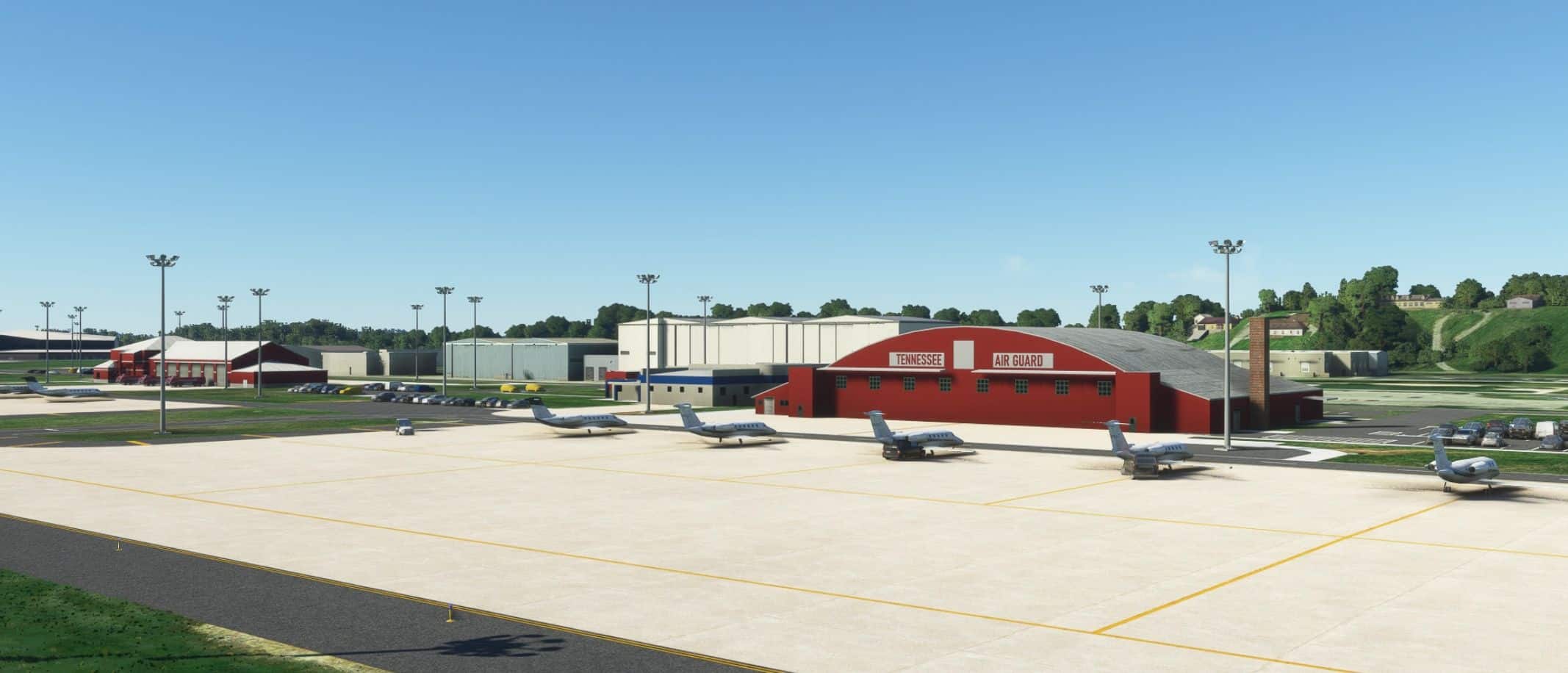
This airport is developed with static Military, Commercial Airliner and General Aviattion Aircraft. For those users that don’t want static aircraft, I am including a file in the no-static-acft folder along with instructions on how to copy the file to the correct location to remove the commercial airliners and GA, but leaving the military aircraft.
To use the static aircraft you will need to install UK2000 Common Library (free, in marketplace), FSLTL (free) and AGAIM (free, if you don’t have this, you will not be able to download it, AIG been having server problems for a long time). FSLTL and AIGAIM provides aircraft, FedEx, UPS, American, Boeing Business Jet and Delta. All of the GA aircraft is provided by UK2 and Microsoft.
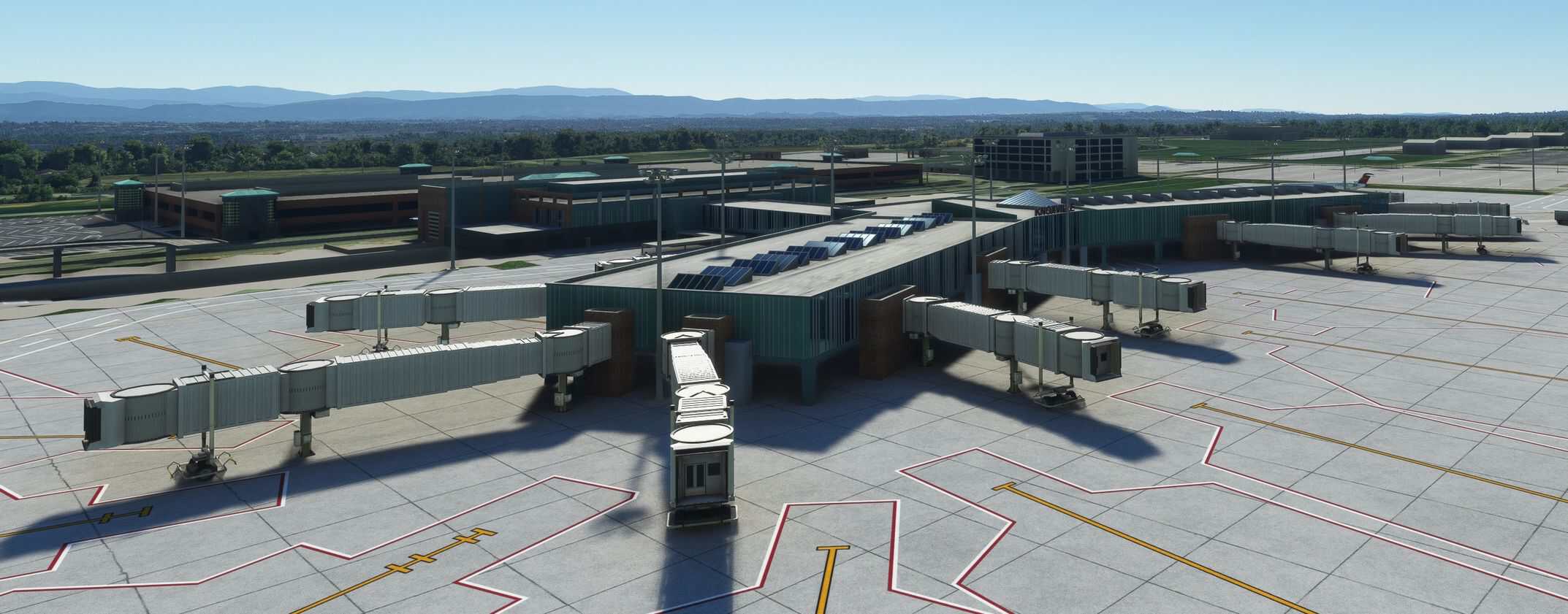
The jetway bug is still causing issues. I may later consider just adding static jetways, until a fix is released.
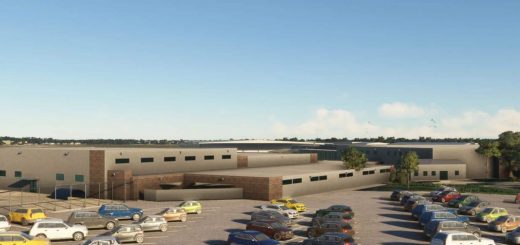
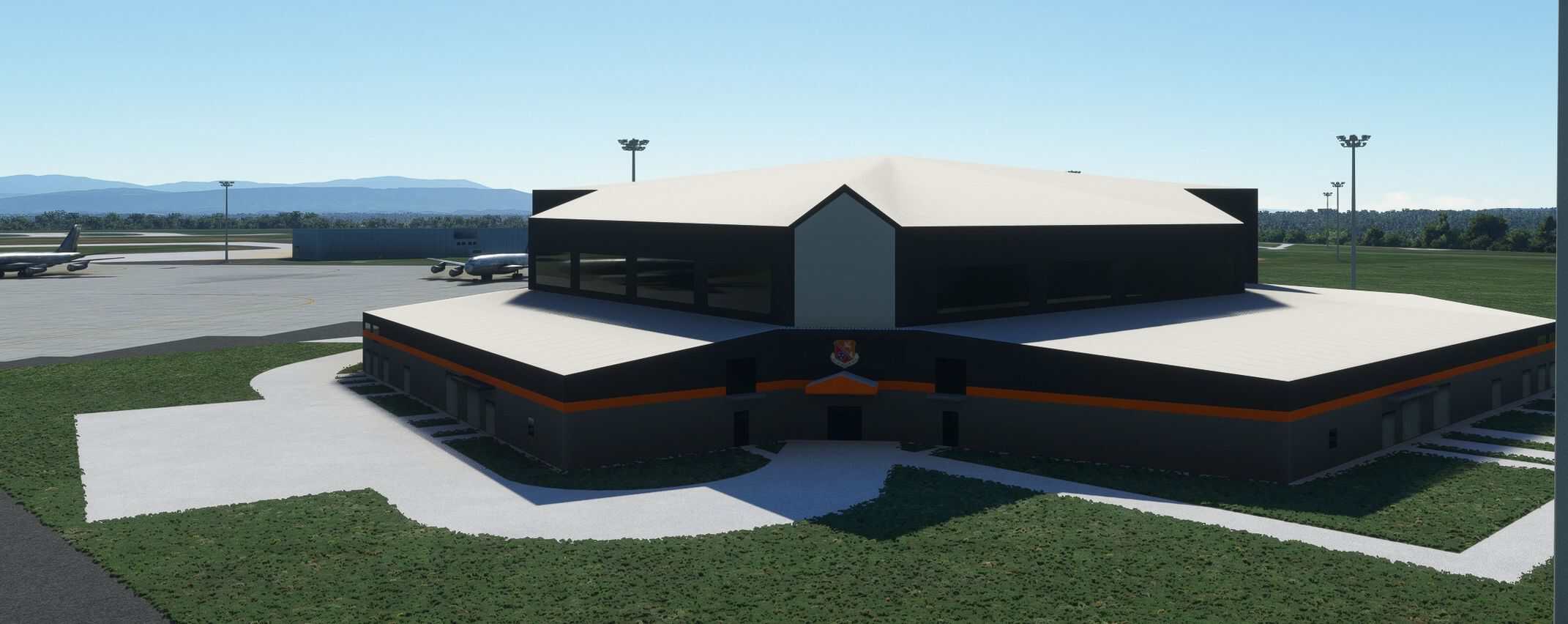
The 134 ARW hangar was modeled using two photos so it’s not close to the correct size or even look like the real thing.
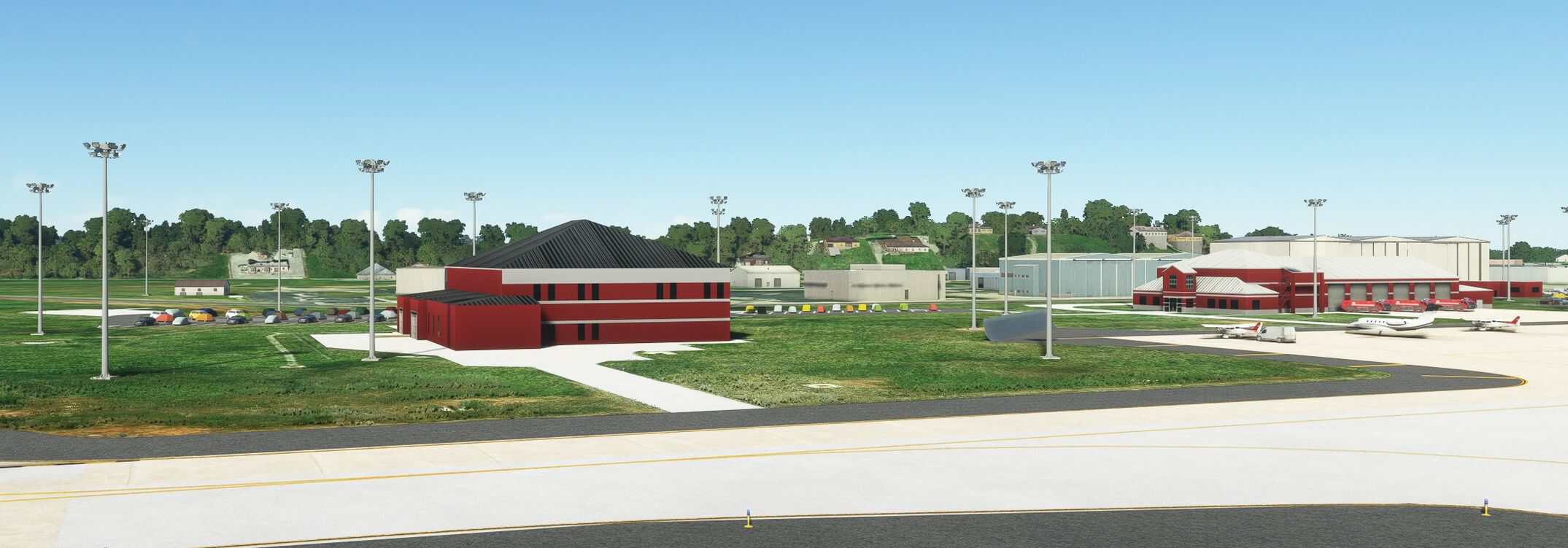
At first start, I felt that this airport was small, but after modeling all the 3D models I changed my feelings about the size, but this was a fun airport to do.
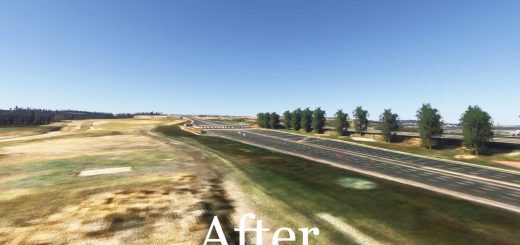
The one thing that I’m not satisfied with is the Terraforming (tunnel) beneath part of the main terminal. I am trying to smooth the sides of the tunnel out so to have a better appearance. The parking garage is also lower than the rest of the airport, but my terraforming skills are not good enough to attempt that yet.
AI does strange things such as landing and taxing in the woods, but eventually end up at a gate. Also on taxing to runway 5R, near the hold short line, all aircraft appear to make a move to the left and back to the right, inline with the taxi lines. AI seems to not follow taxi line sometimes.
I decided to model aprons, roads and taxiways as 3D models and place them using projected mesh as appose to drawing aprons in the sim. I find it easier and looks cleaner and you have more choices in selecting textures.
KTYS-McGhee-Tyson_v1.0.24
All KTYS versions starting with 1.0.24 dated July 15, 2025 have the Cirrus Vision Center included in the scenery package. No need to download two packages.
To install
1. Delete jd-airport-ktys-Knoxville from FS2020 and FS2024 community folders.
2. If using MSFS Addon Linker – deactivate modellib-visioncenter and delete it from FS2020 and FS2024 community folders, or just delete it if not using the linker.
3. Extract the KTYS archive and copy the static or non-static version to your FS2020 and/or FS2024 community folde