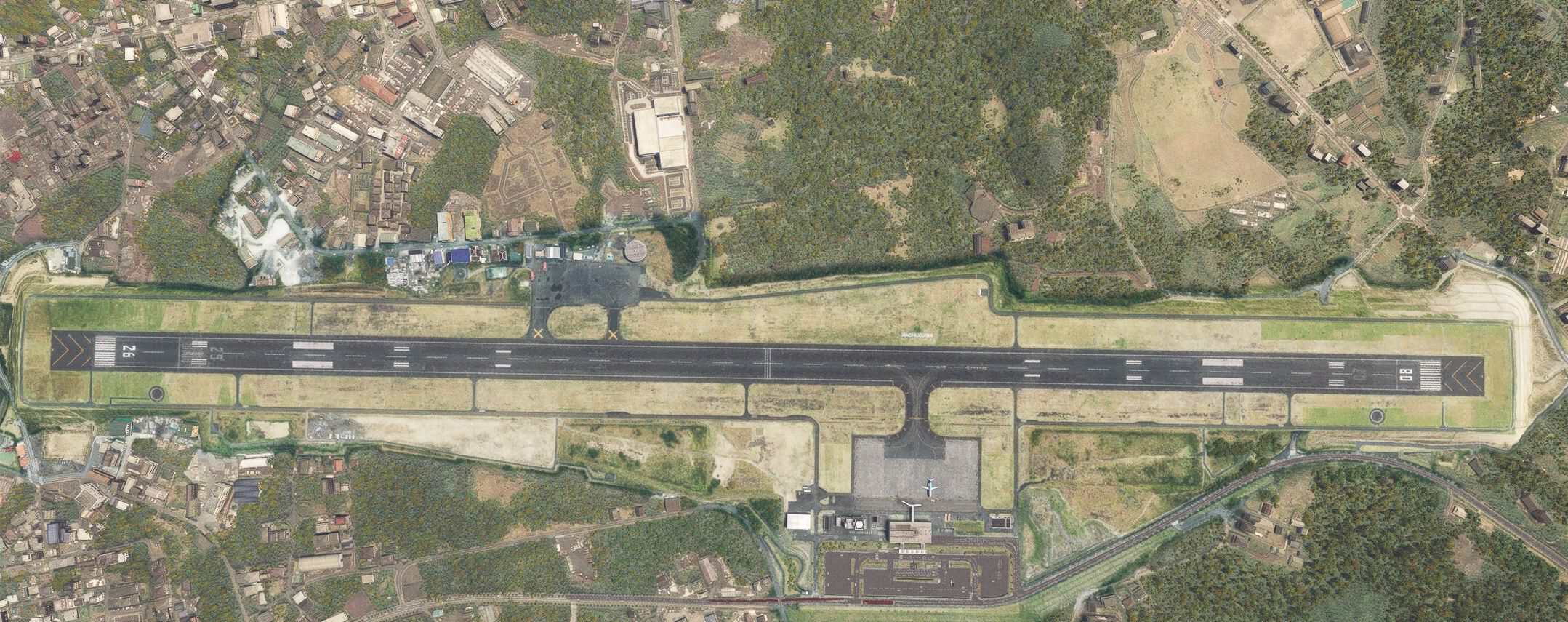
RJTH Hachijojima Airport Enhanced v0.1.5

MSFS 2024 Mods |
RJTH Hachijojima Airport Enhanced v0.1.5

RJTH Hachijojima Airport Enhanced v0.1.5

Description
Enhanced Hachijojima Airport added in WU1.

Installation of World Update 1 JAPAN is required.

Moved the runway location slightly based on latitude and longitude information.
Brighter apron lighting.
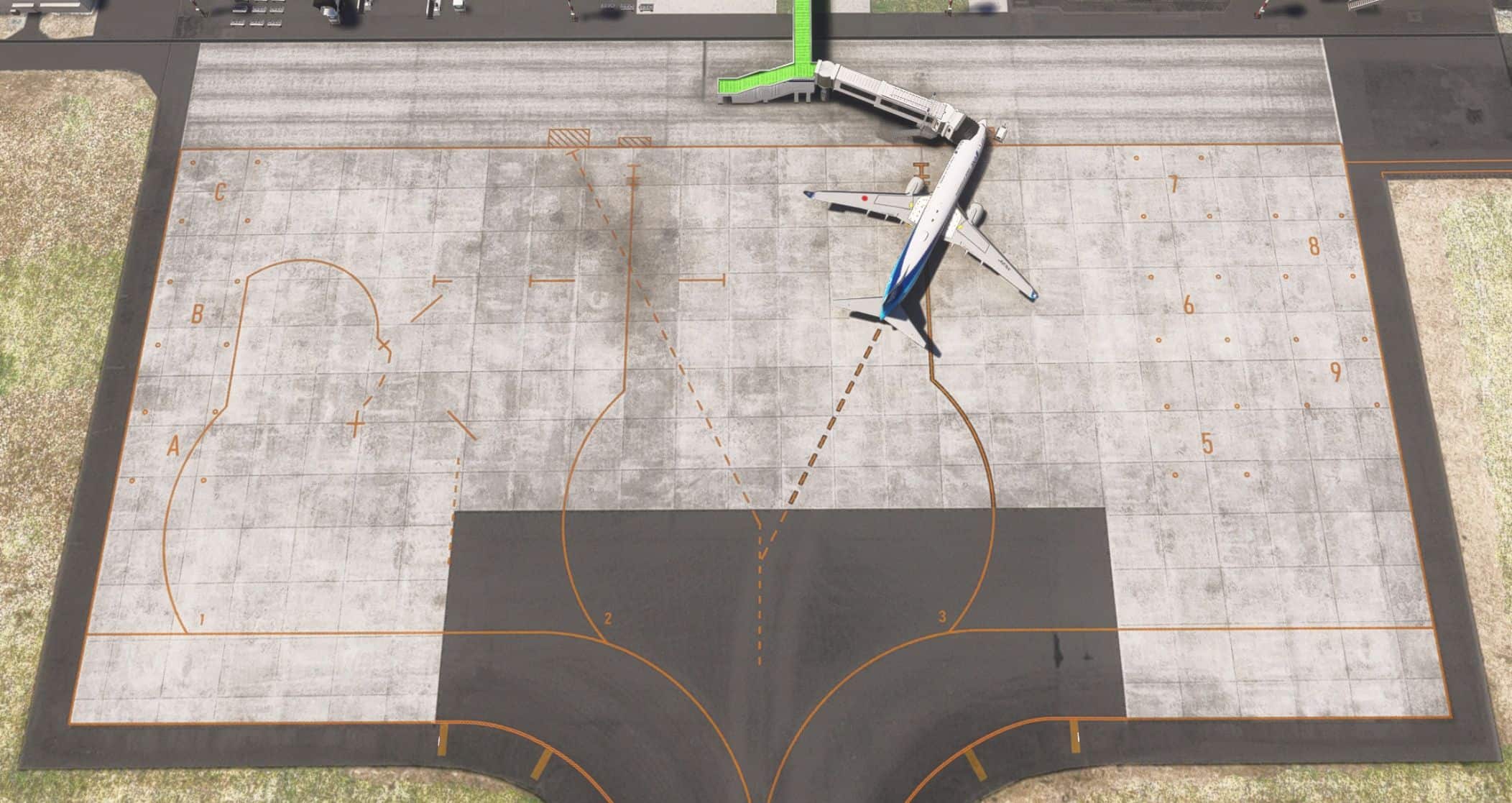
Changed taxiway and apron lines.
Changed taxiway lights.
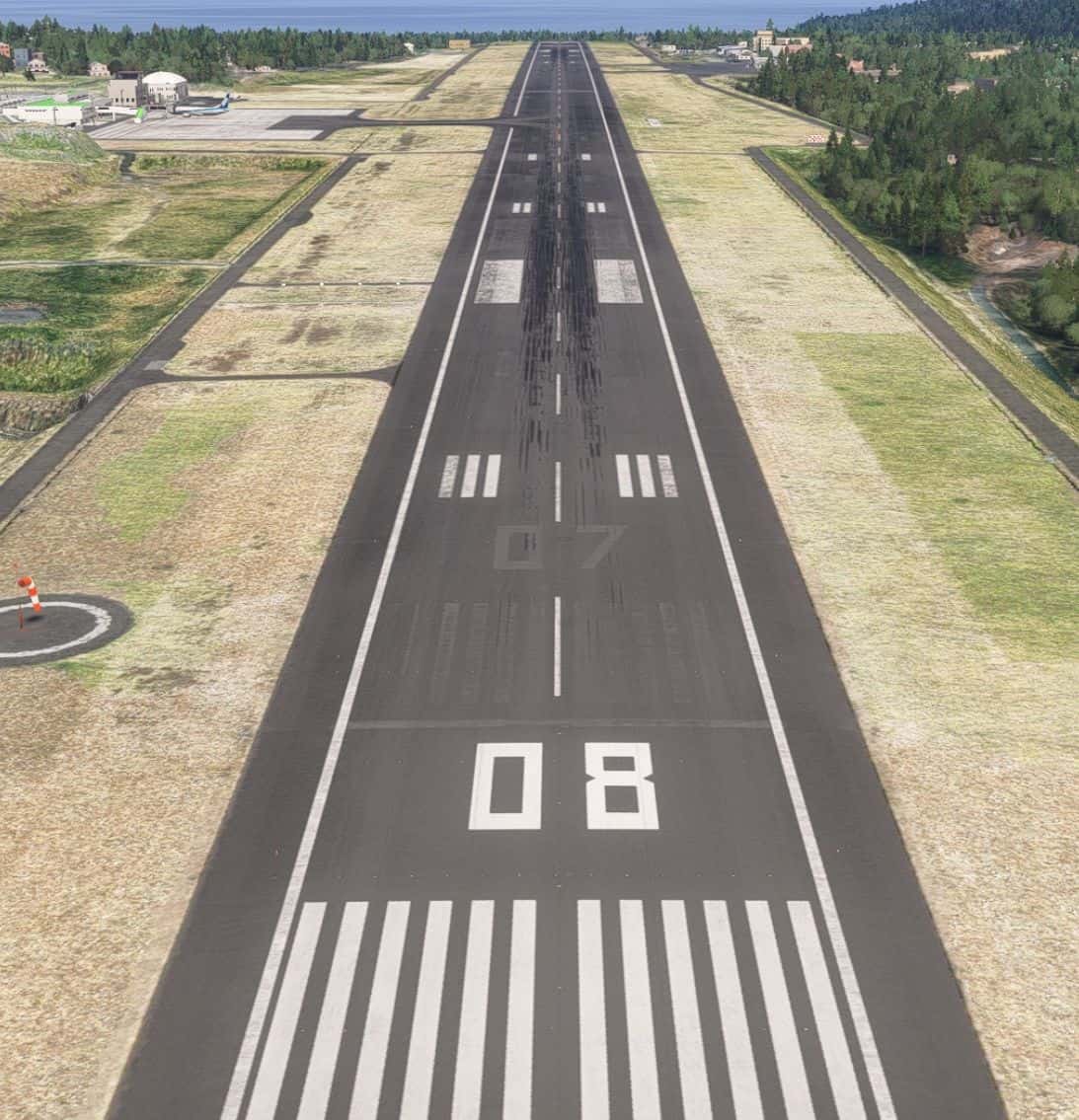
Changed runway markings.
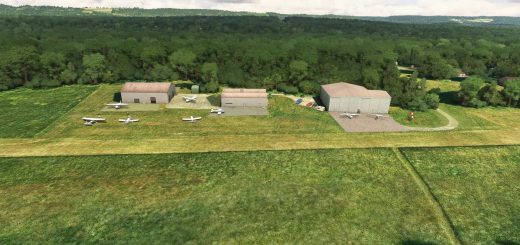
Added parking for General aviation.
Added Approach lighting system, Approach light beacon, and Approach guidance lights.
Added of Aerodrome beacon.
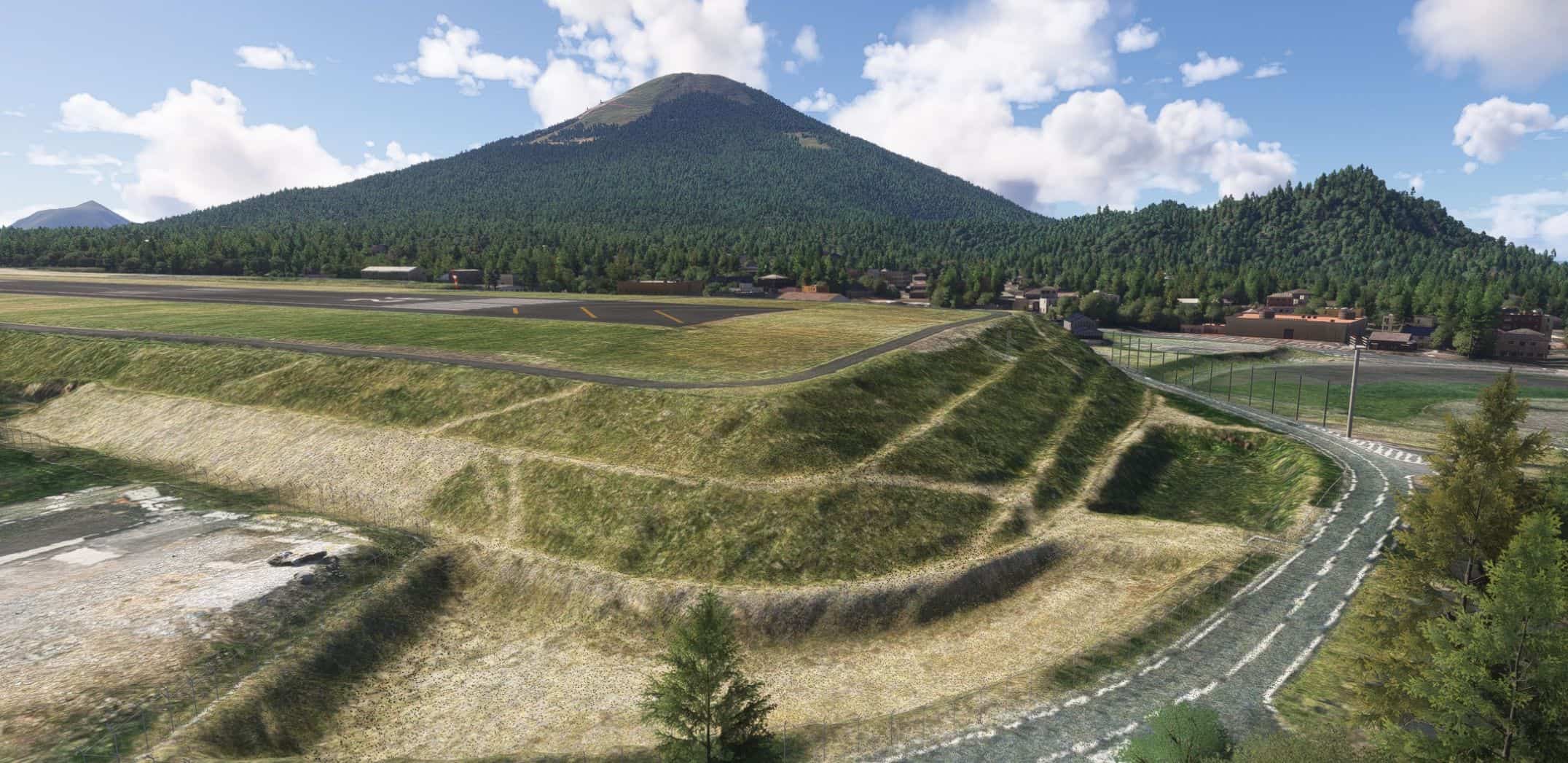
Adjustment of trees near the summit of Hachijo-fuji.
Removed taxiway signs.

Added 1m DEM to the airport.
Added 3m DEM to entire Hachijojima.
Added tire skid marks.
Changed PAPI object to custom model.
Changed REIL object to custom model.
Changed REDL object to custom model.
Corrected radar building text.


Author: karuchie
This content was uploaded by website visitors. If you notice any mistake, please let us know.


Are you in search of MSFS2024 Airports Mods all in one place? You've come to the right spot. We offer access to a vast collection of mods tailored to meet various needs. Each MSFS2024 Airports Addon comes with its own unique specifications and features, making it easy to find exactly what your game is missing. Once you've made your choice, simply click the RJTH Hachijojima Airport Enhanced v0.1.5 Mod download button and follow the easy steps. It's as straightforward as it gets!


Useful Information: How to install MSFS 2024 Mods | MSFS 2024 Price / Release | MSFS 2024 News

You may also like...

Leave a Reply

Your email address will not be published. Required fields are marked *